Church scheduling that texts your volunteers for you
One schedule for every service and role. Volunteers answer from a text, and when someone can’t make it, the next person on the rotation is asked for you.
- Free for 3 months, then $19.99/mo
- 30-day money-back guarantee
- Cancel anytime
- Events tracked
- 2,000+
- Notifications delivered
- 20,000+
- Active users
- 1,000+

“Automatic rotations means that I never have to chase volunteers for coverage anymore.”
Why Scheduly
Group chats and spreadsheets weren’t built for this. Scheduly was.
- Before: A spreadsheet rotaWith Scheduly: One schedule anyone can open
- Before: “Who’s on sound?” in the group chatWith Scheduly: A text to each volunteer
- Before: Saturday-night search for a subWith Scheduly: The next person on the rotation is asked
- Before: Slides and chord charts lost in emailWith Scheduly: Files on the service they’re for
- Before: Sermons buried on YouTubeWith Scheduly: A searchable sermon library
How it works
Set it up once. Scheduly handles the weeks after.
No training needed. Stuck? Email us.
- 1
Set up your services
The roles for each service, and who can serve in each.
- 2
Turn on rotations
Teams take turns. Scheduly fills the coming weeks.
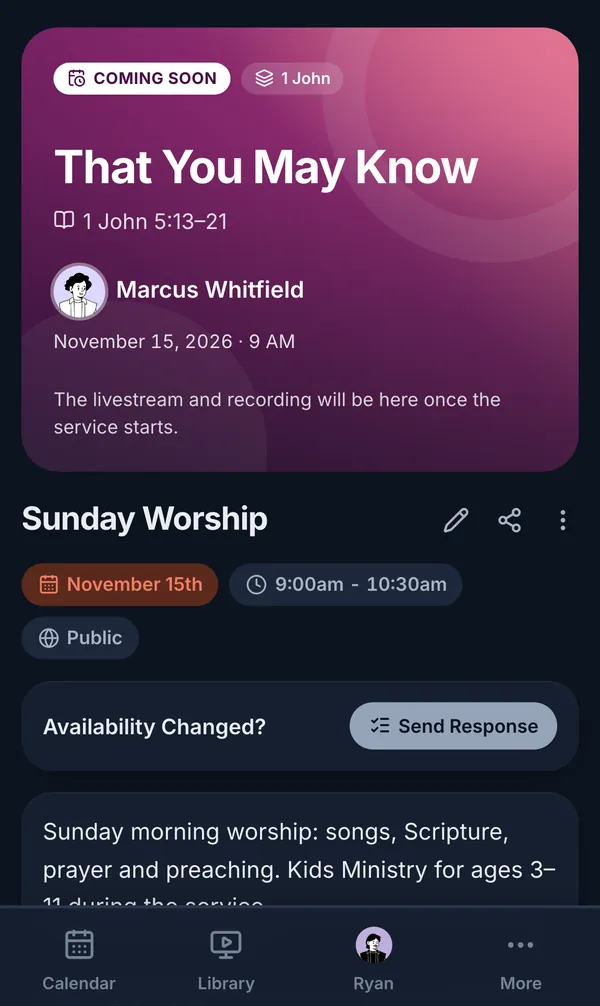
- 3
Volunteers get a text
They answer from the link. You see every reply.
Features
Built around the Sunday schedule
From the month’s schedule to Saturday’s reminder text.
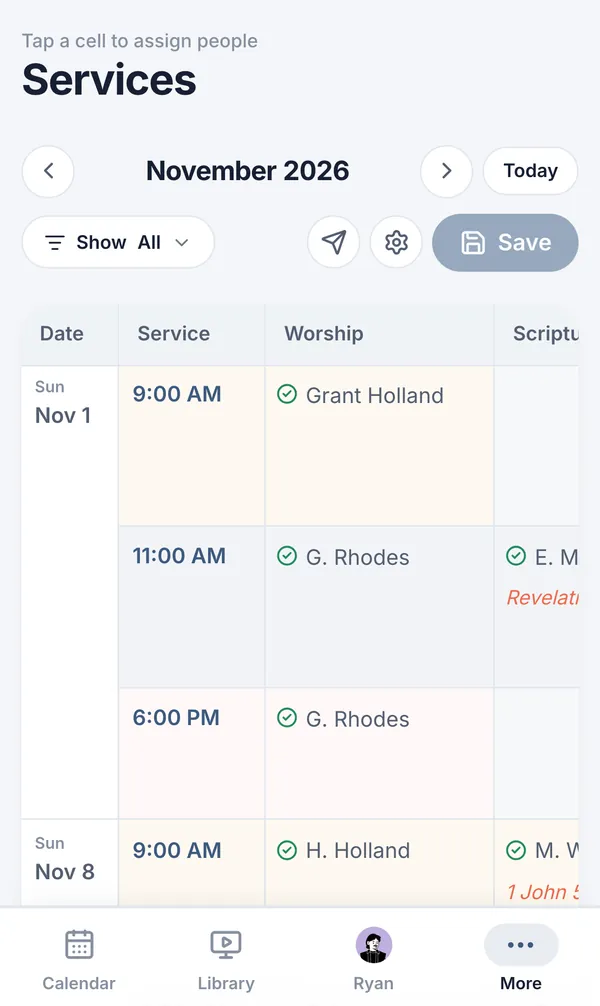
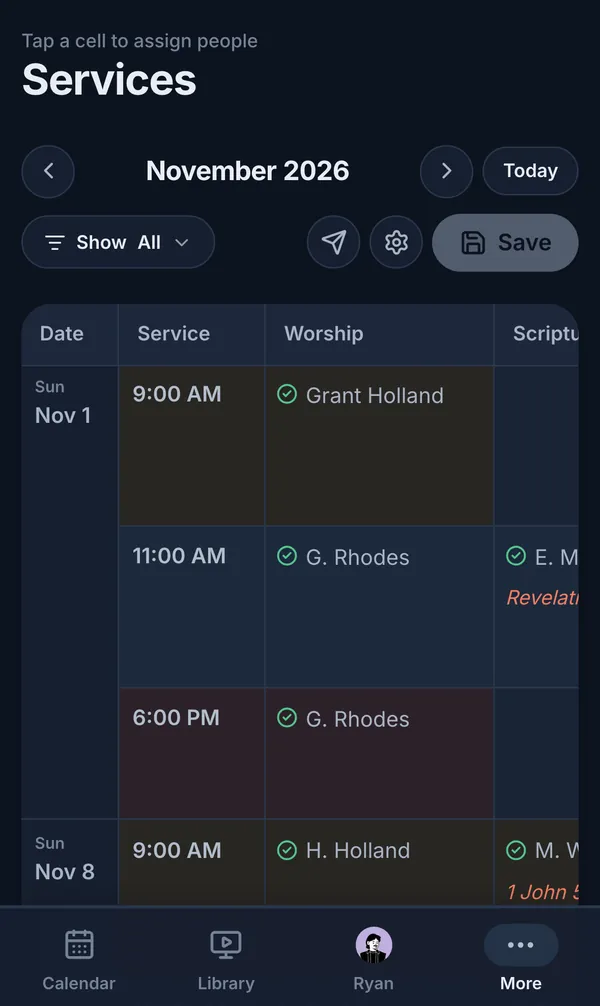
Services schedule
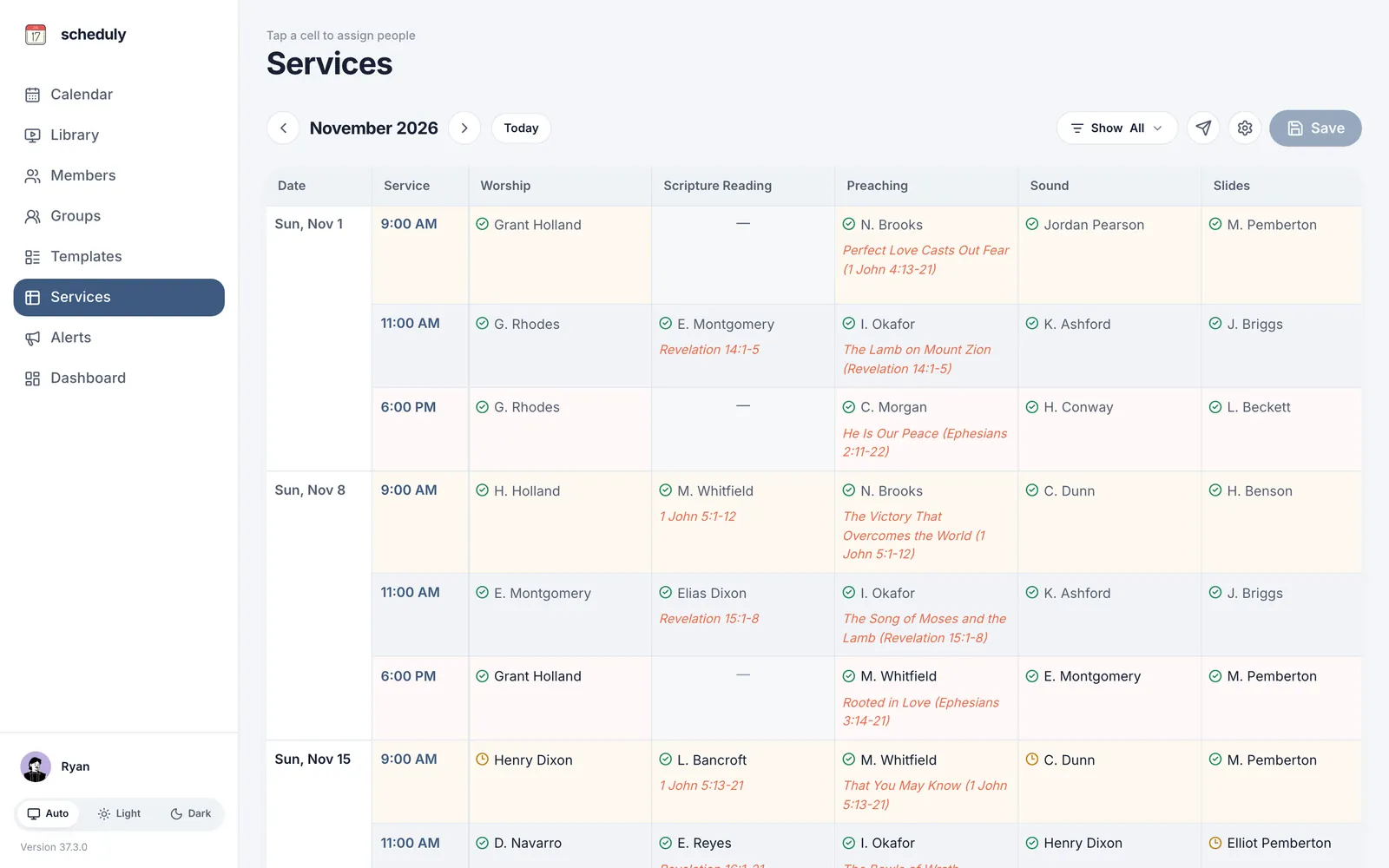
Every Sunday, every role, on one screen
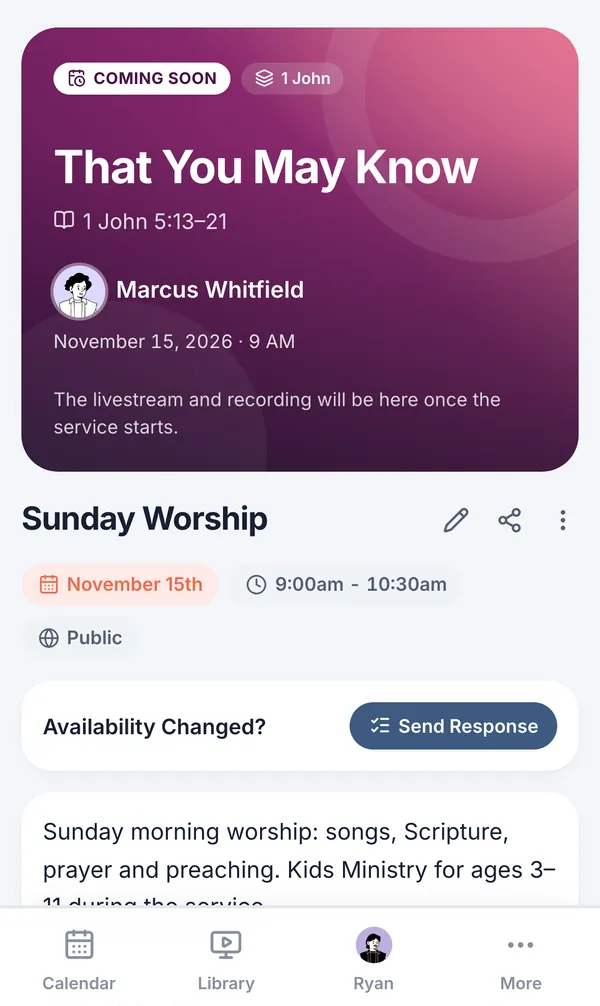
Tap a cell to assign someone. See every answer at a glance.
- Confirmed, waiting, or not asked yet
- Preview who gets texted before you save
- Reminders go out on your schedule
Each service and role for the month, with the sermon title and passage next to the preacher’s name. Reminder texts go out on their own, weeks ahead, on the days you set.
Smart rotations
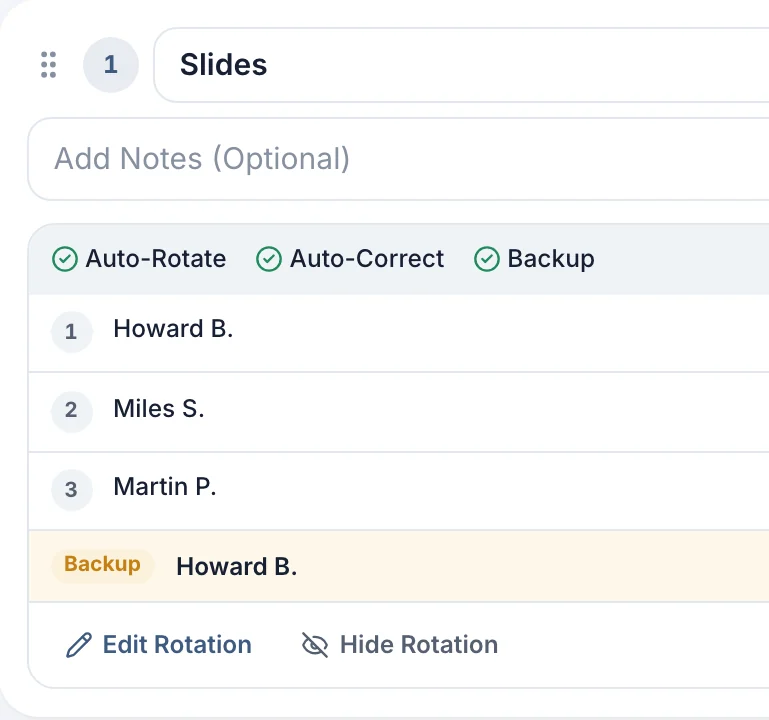
Rotations that fill the schedule for you
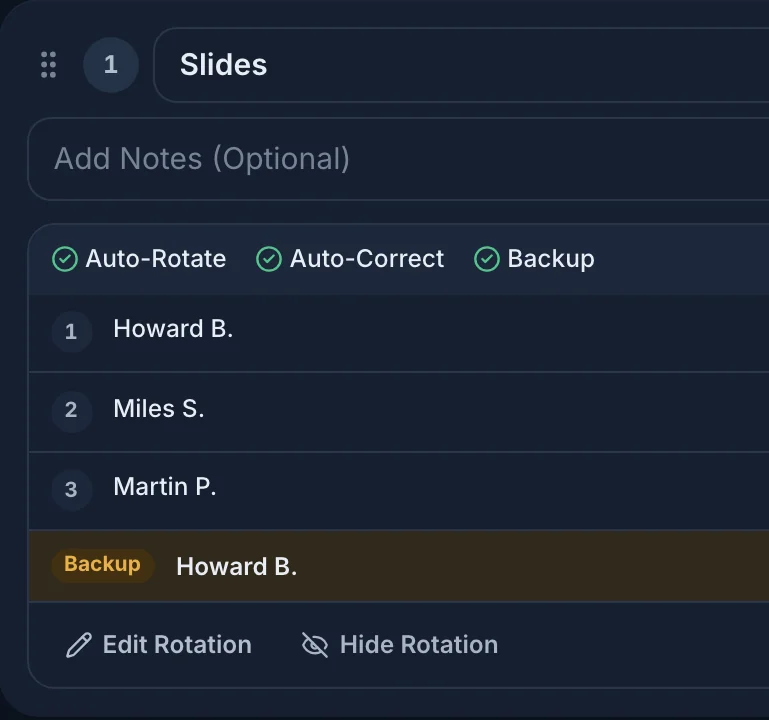
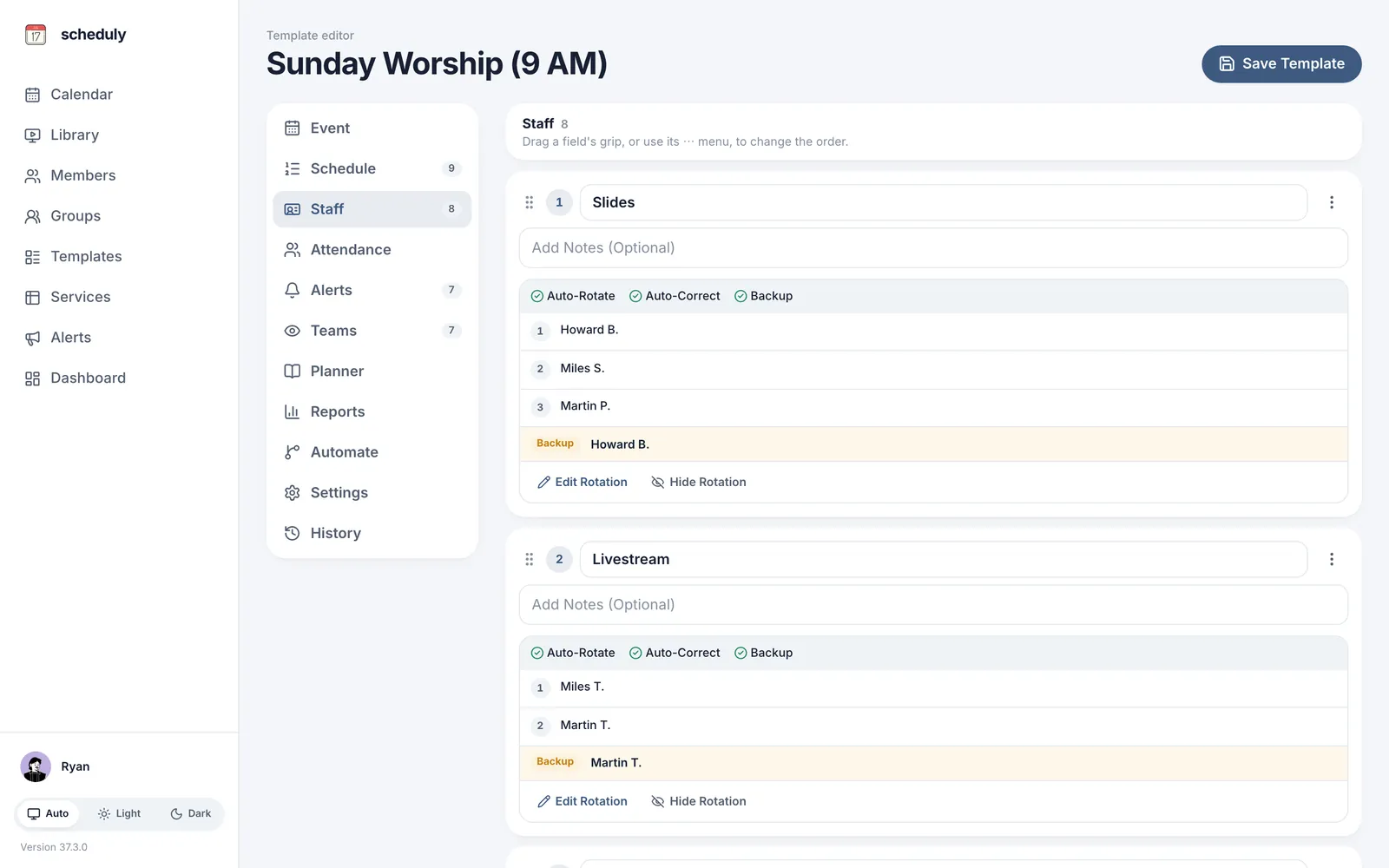
Teams take turns, week after week. When someone declines, the next person is asked.
- Fair turns for every team
- A backup person for each role
- Never moves someone already texted
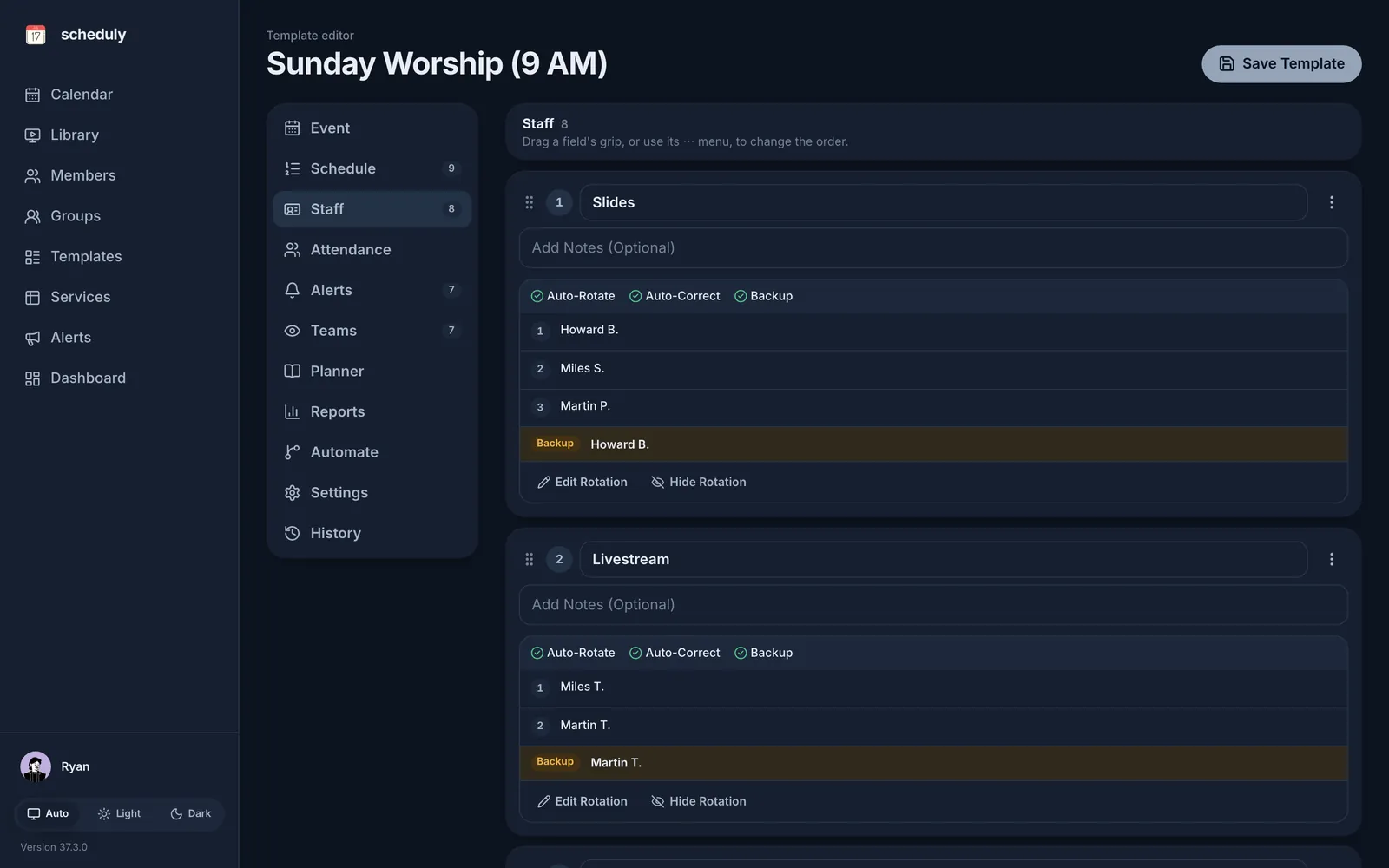
Set up a rotation once for a team like greeters, ushers or sound. Scheduly fills the coming weeks, and after a decline it puts the next person in and texts them.
Preachers and worship leaders aren’t rotated: you place them on the Services schedule with a tap.
Reminders
A text they can answer from the link
Volunteers confirm or decline from their phone. No app to download and no password.
- Texts and emails on the days you pick
- Every answer as it comes in
- A record of who was texted, and when
Each volunteer gets their date, role and a link by text or email. Anyone who hasn’t answered can get another reminder.
FilesNew
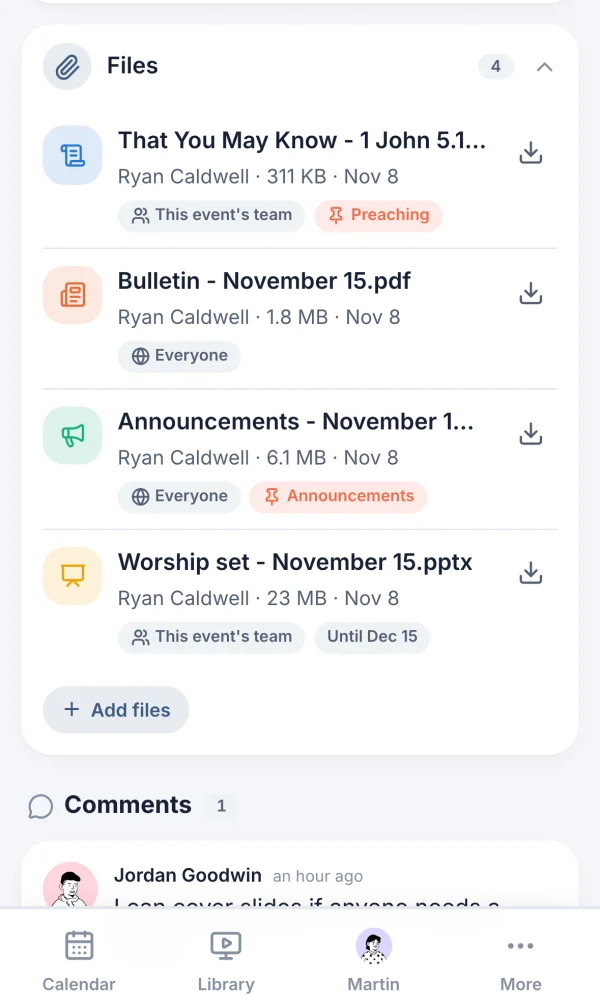
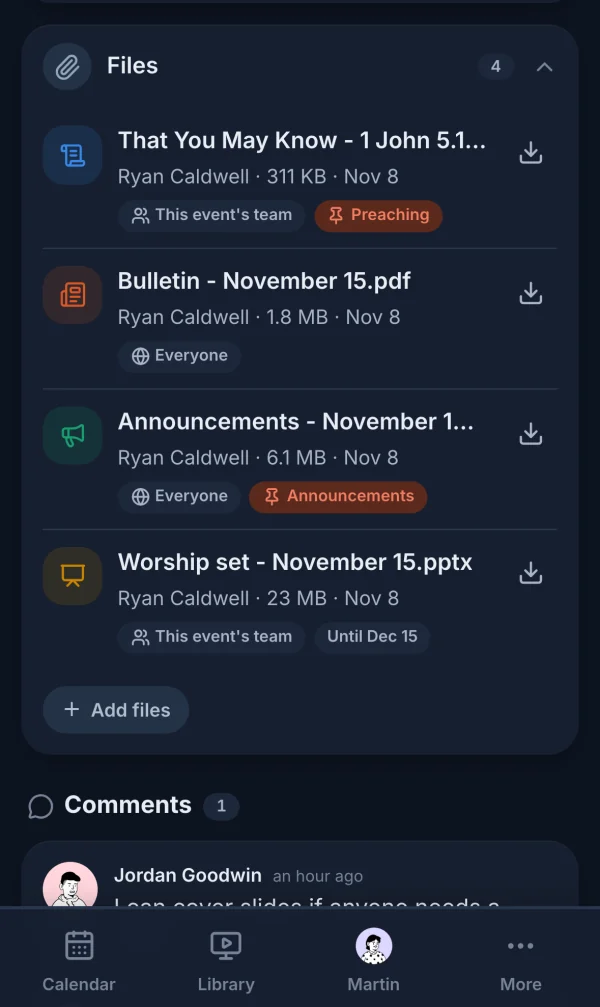
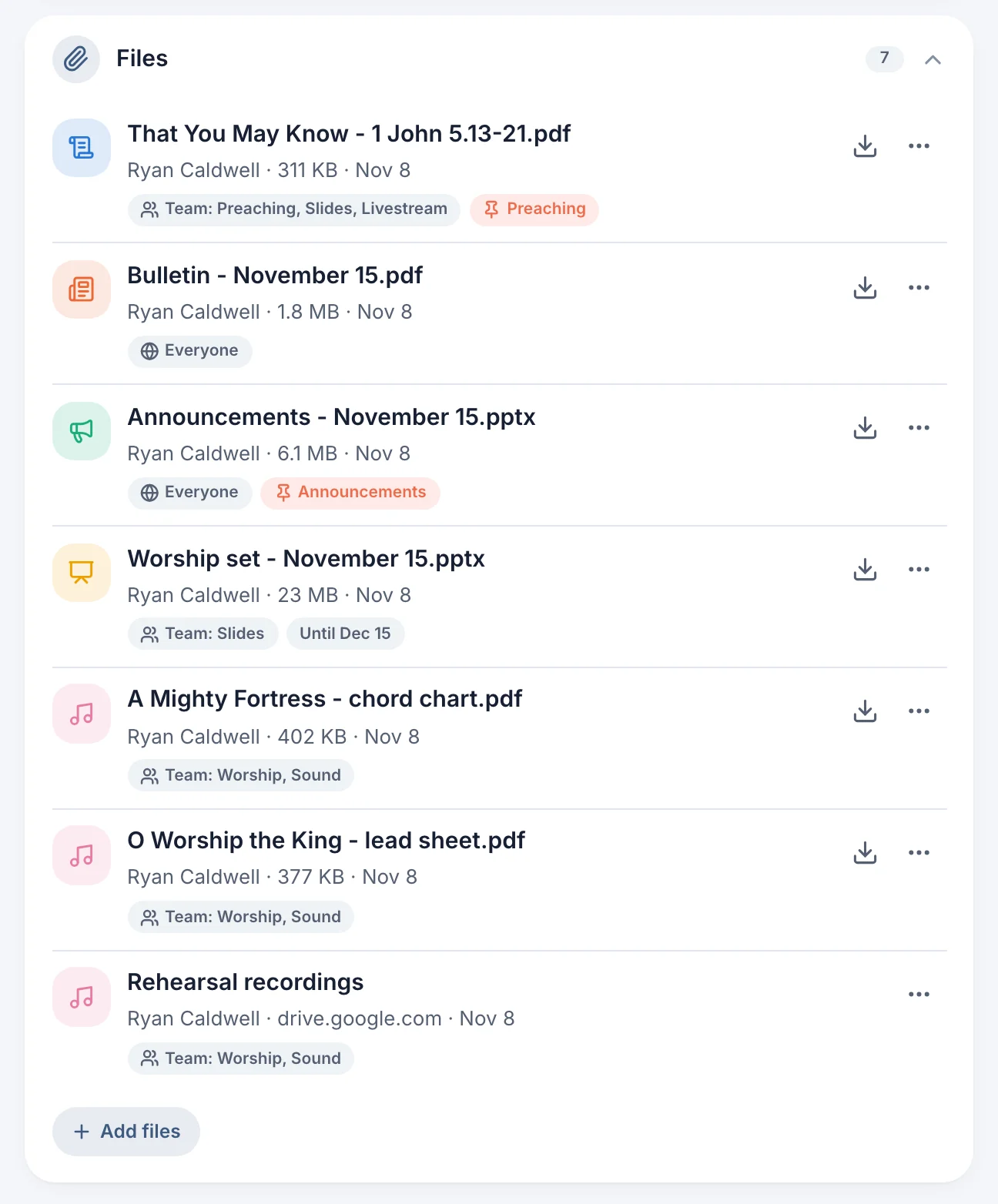
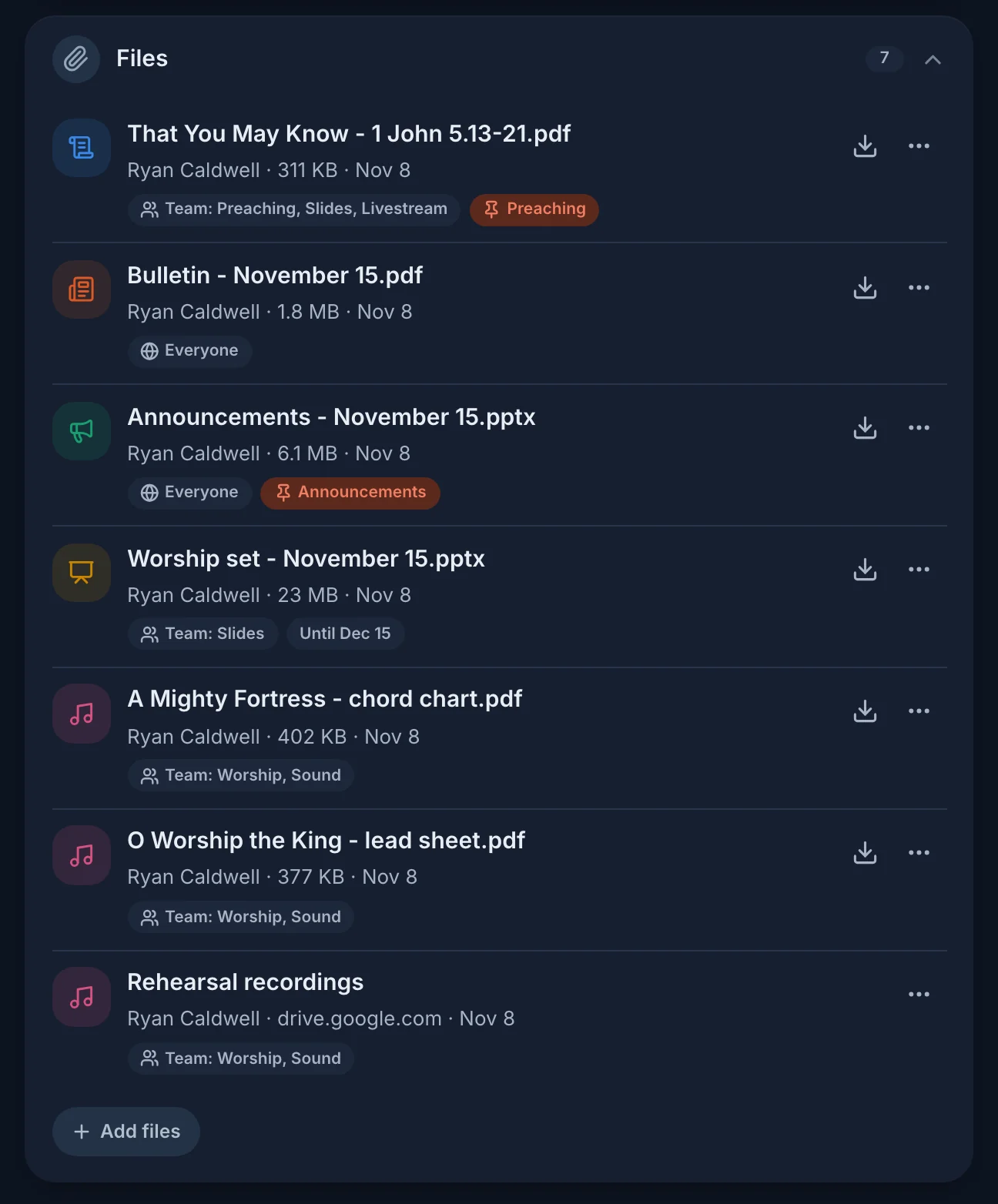
Every file on the service it’s for
The manuscript, bulletin, slides and chord charts, shared only with who needs them.
- Everyone, members, the team, or staff
- Pin it to its part of the service
- Volunteers add their own files
Upload from a computer or phone, add a link (like a Google Drive folder), or reuse a file from an earlier service. Keep files, or have them removed after the event.
Up to 100 MB a file and 25 GB for your church, in every plan.
Testimonials
What church leaders say about it
From Lifeway Baptist Church, where Scheduly runs the Sunday schedule.
“Scheduly makes it easy to create a schedule for our Sunday services. Before, we would use a mix of Google Sheets, and Viber group chats to coordinate.”
 Yaroslav NarovchenkoSenior Pastor · Lifeway Baptist Church
“The Greeters and Ushers team use Scheduly's smart rotations to automatically find coverage.”
Leonid KolesnikDeacon · Lifeway Baptist Church“Scheduly helps us track small group attendance, which helps us identify members that we should follow up with.”
 Eugene YakovlevYouth Leader · Lifeway Baptist Church
Free for 3 months, then $19.99 a month. Cancel anytime.
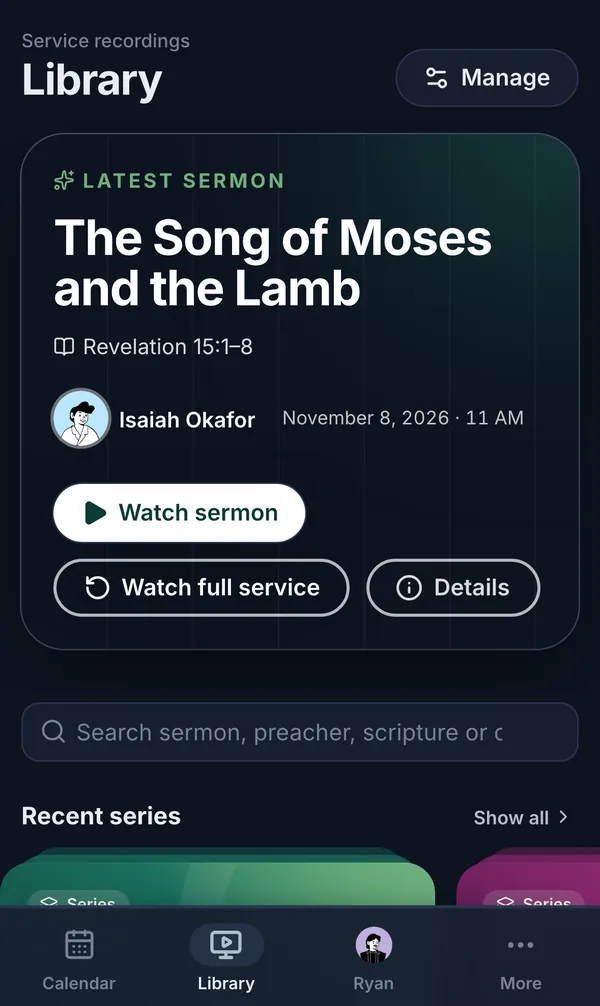
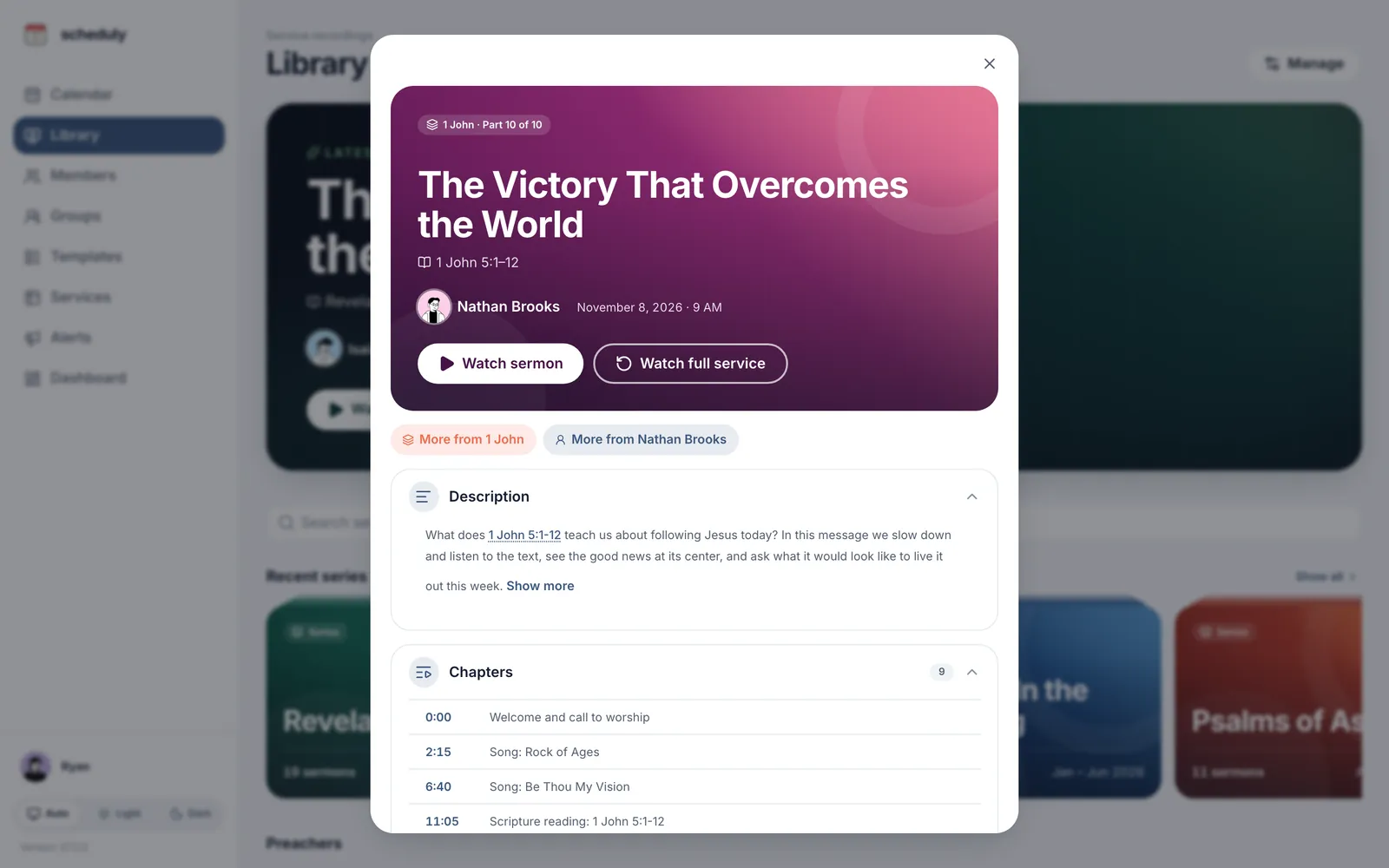
Sermon Library · In every plan
Turn your livestreams into a sermon library
Every Sunday’s YouTube stream, searchable from any phone.
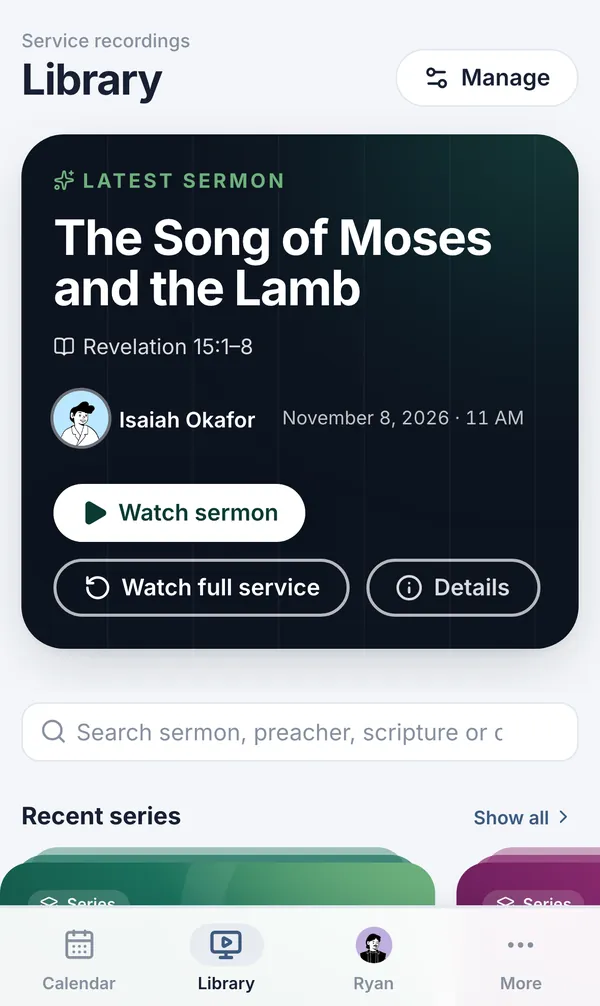
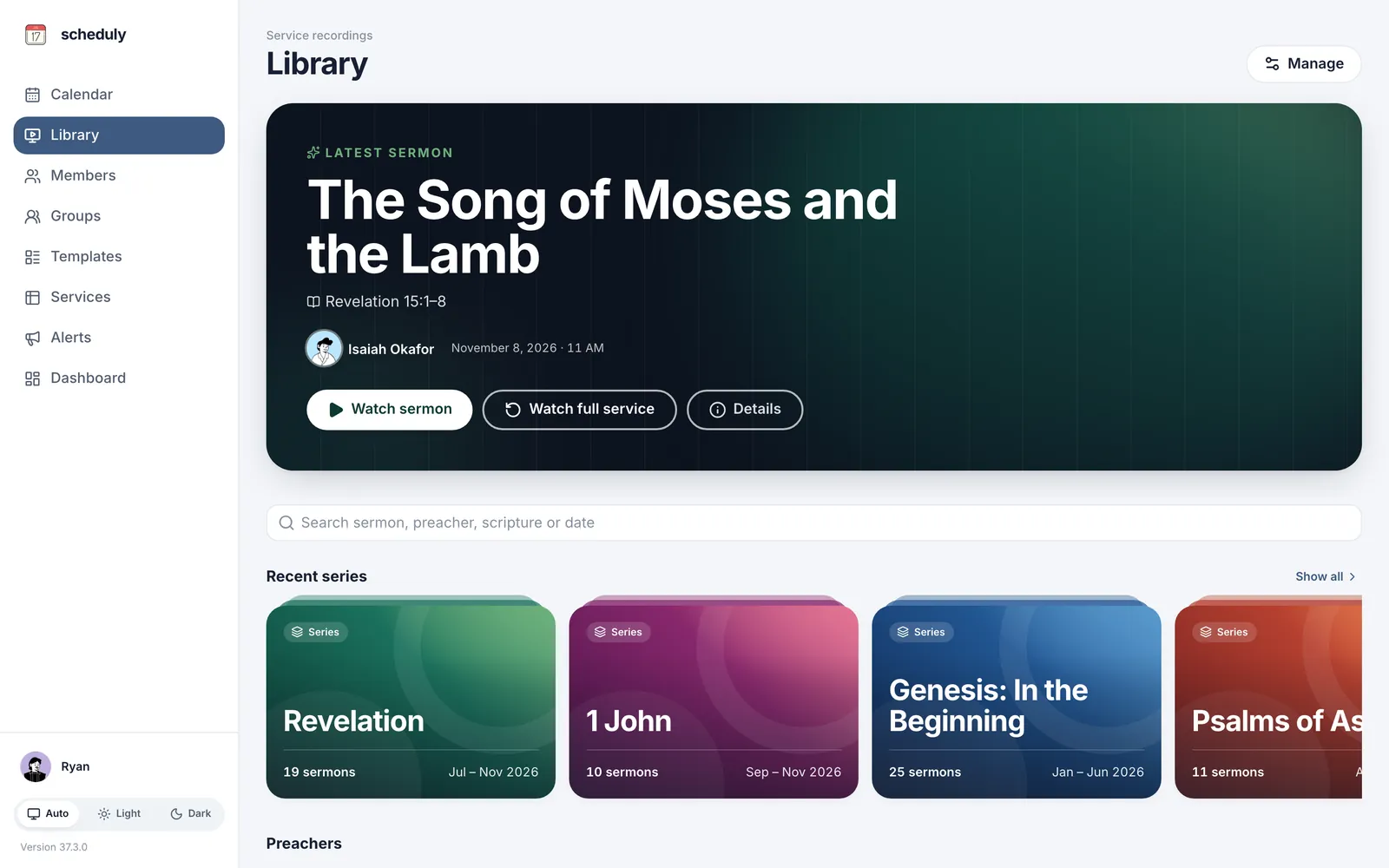
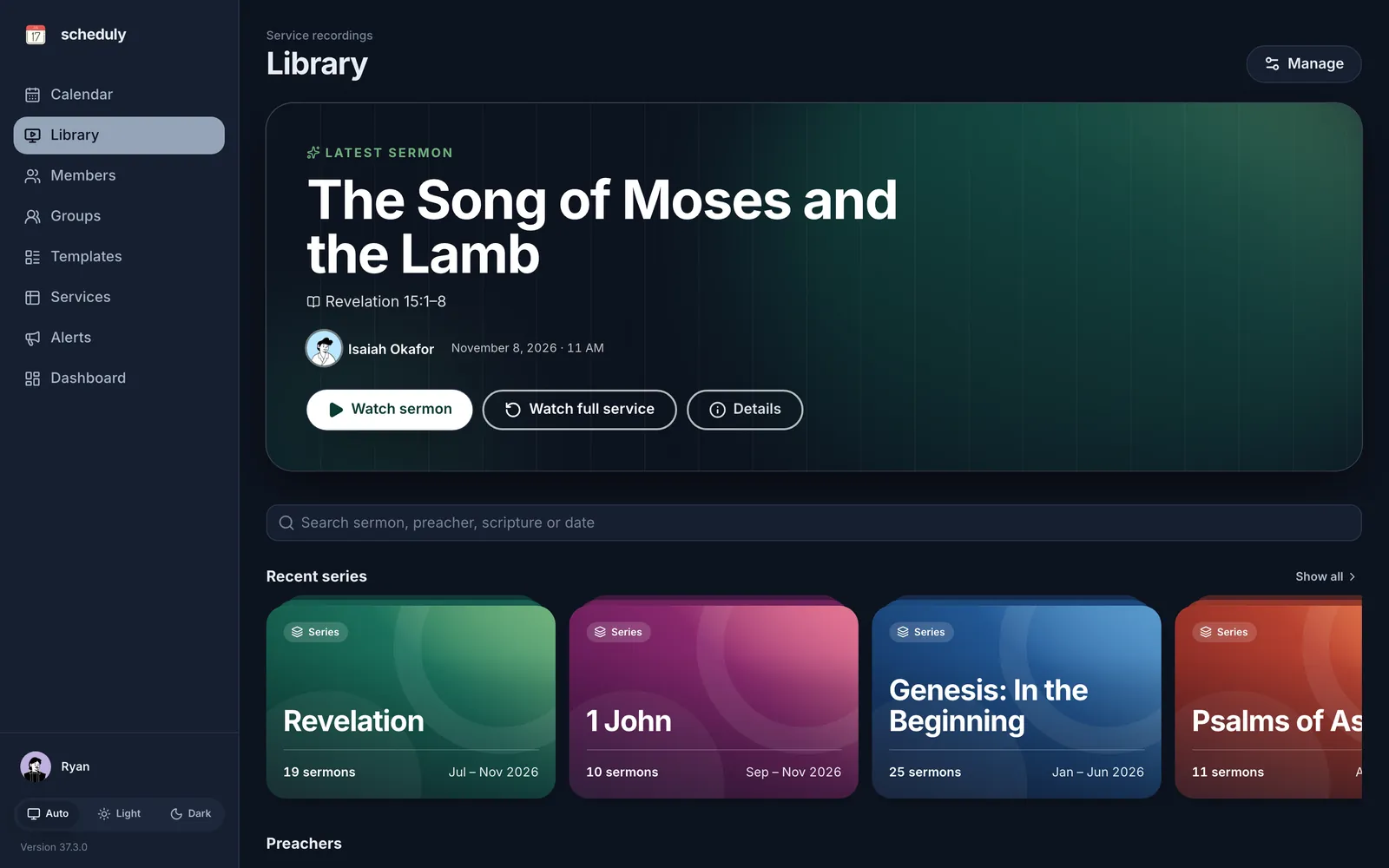
Livestreams, linked for you
Each stream lands on its service.
Straight to the sermon
“Watch sermon” skips the worship set.
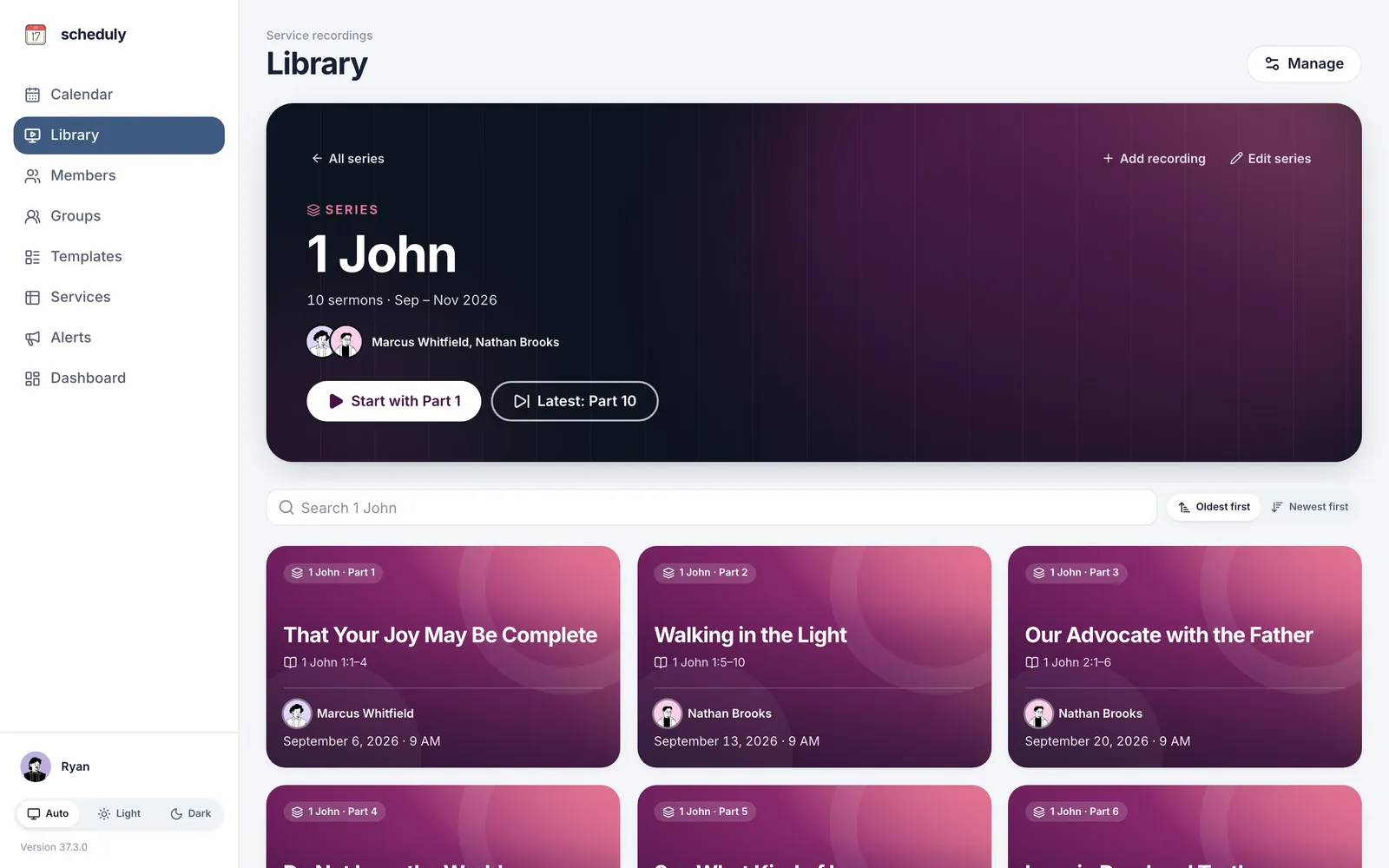
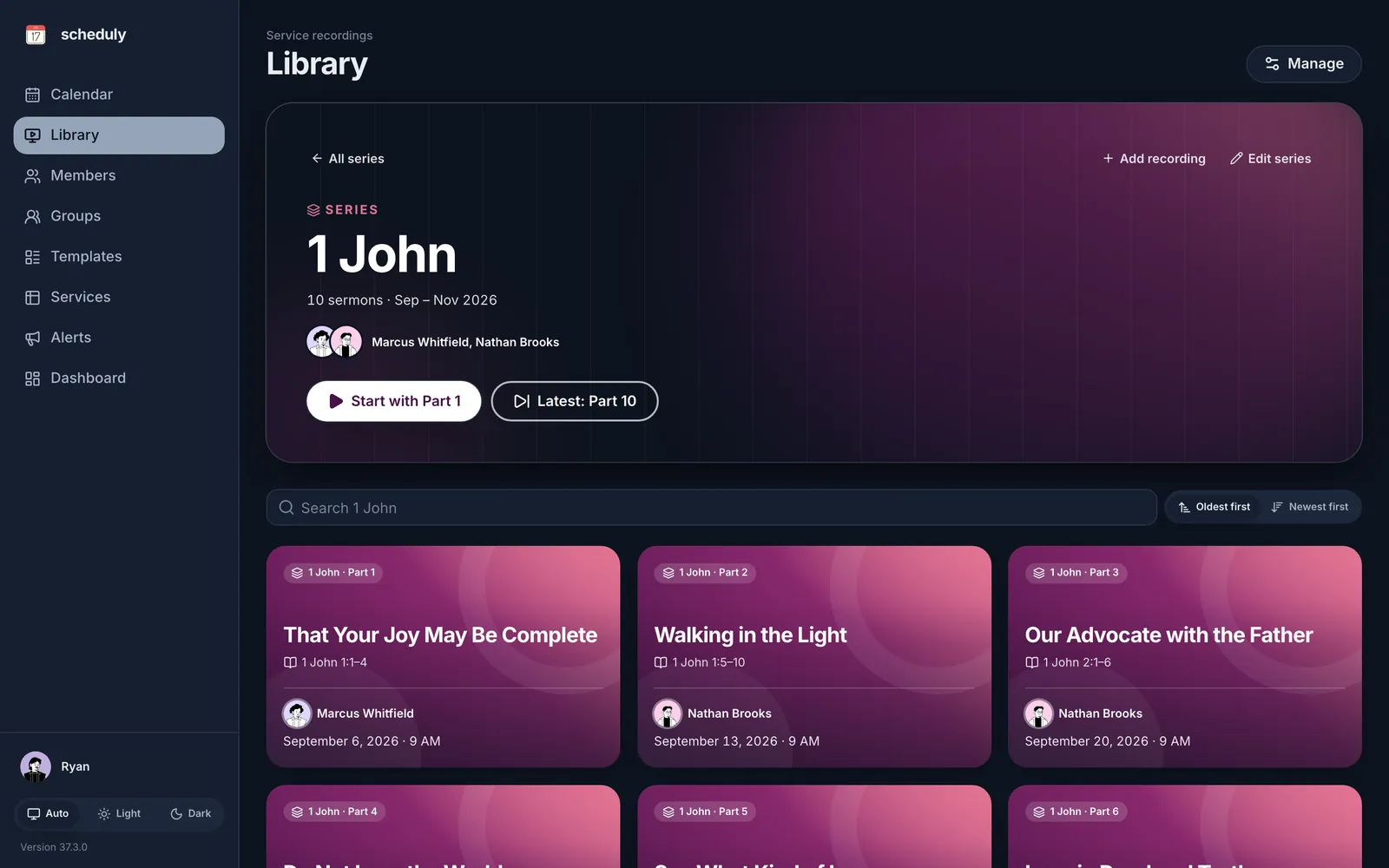
Series, sorted for you
Sermons through a book become a series.
Search everything
By title, preacher, passage or date.
If you stream on YouTube, we connect your channel when we set up your site. From then on, each Sunday’s video is linked to its service and added to your Library with the preacher and passage. While you’re live, a banner says so.
Mark where the sermon begins, or let a YouTube chapter do it. Sermons through one book become a series, even across breaks.
Take the tour
One place for your whole church
All on your church’s own site.
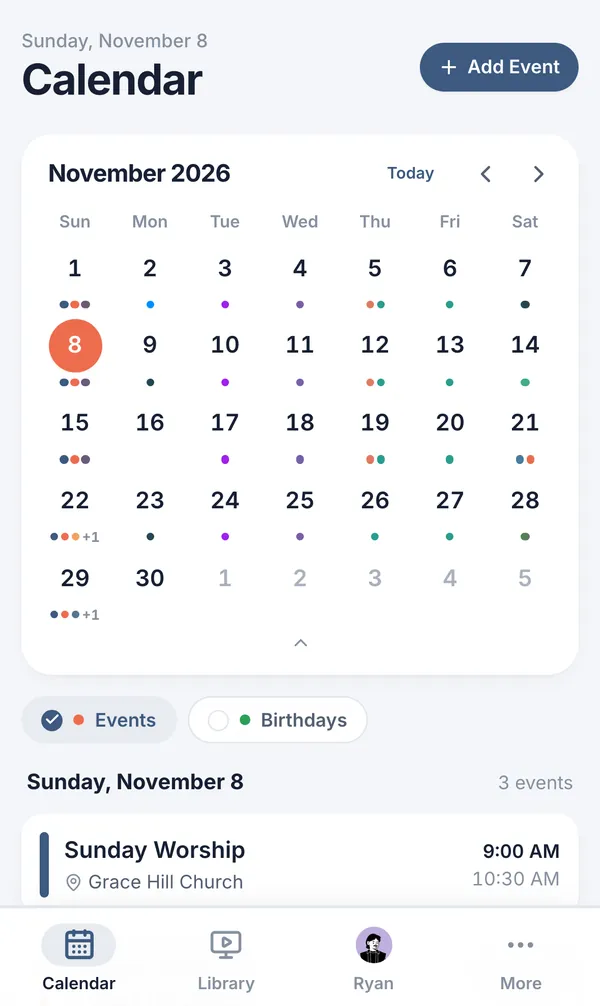
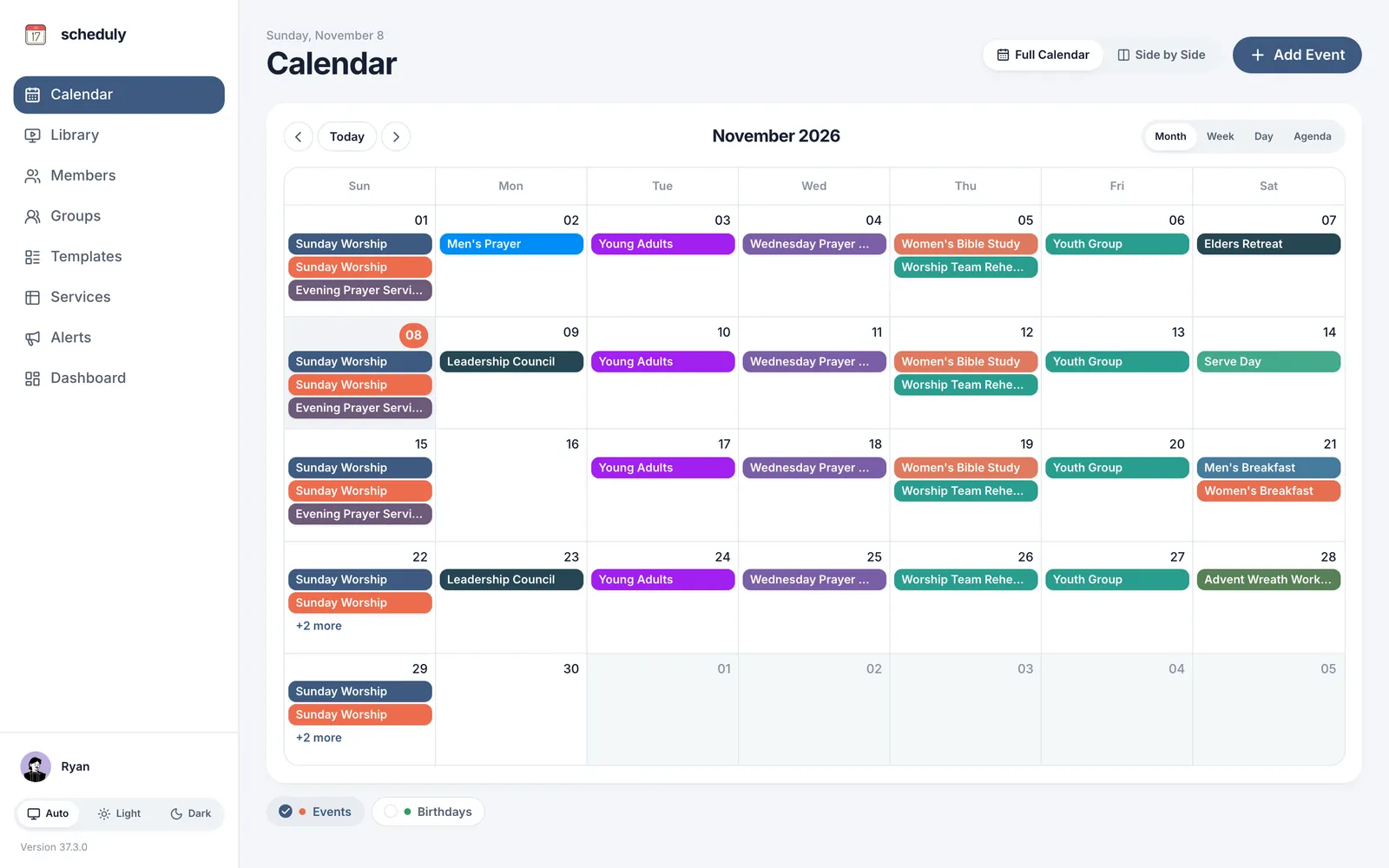
One calendar for the whole church
Services, rehearsals and small groups, each public or private.
- Month, week, day and agenda views
- Side-by-side view for busy weeks
- Birthdays on the calendar
And more
The details that make Sunday easier
No app to install
Works in any phone browser.
Your own web address
yourchurch.scheduly.org
Roles and permissions
Admins, staff and members.
Change history
See who moved whom, and when.
Disable, don’t delete
Accounts keep their history.
Built-in Bible lookup
Passages open in a tap.
Reusable templates
New services in seconds.
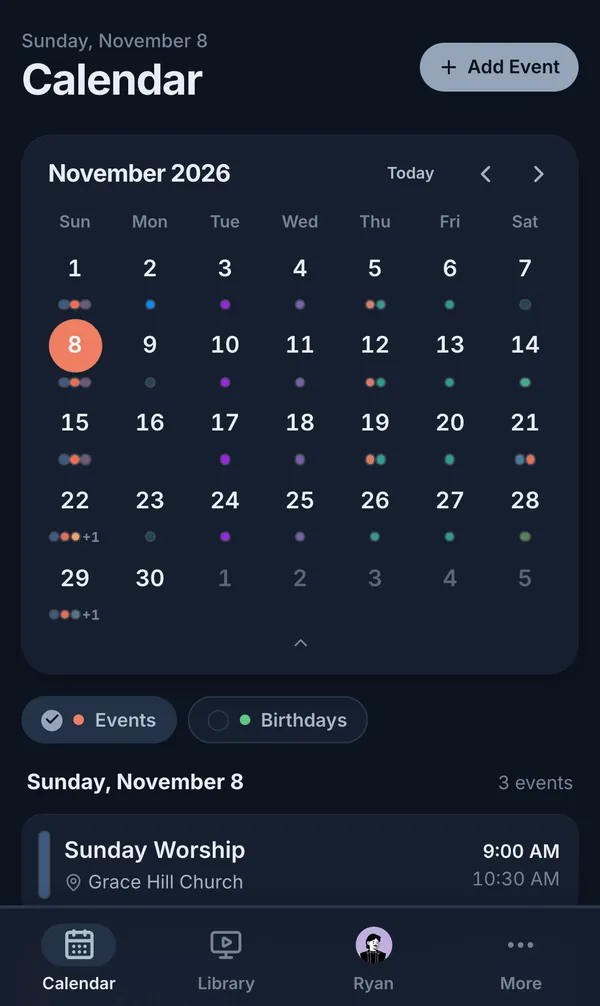
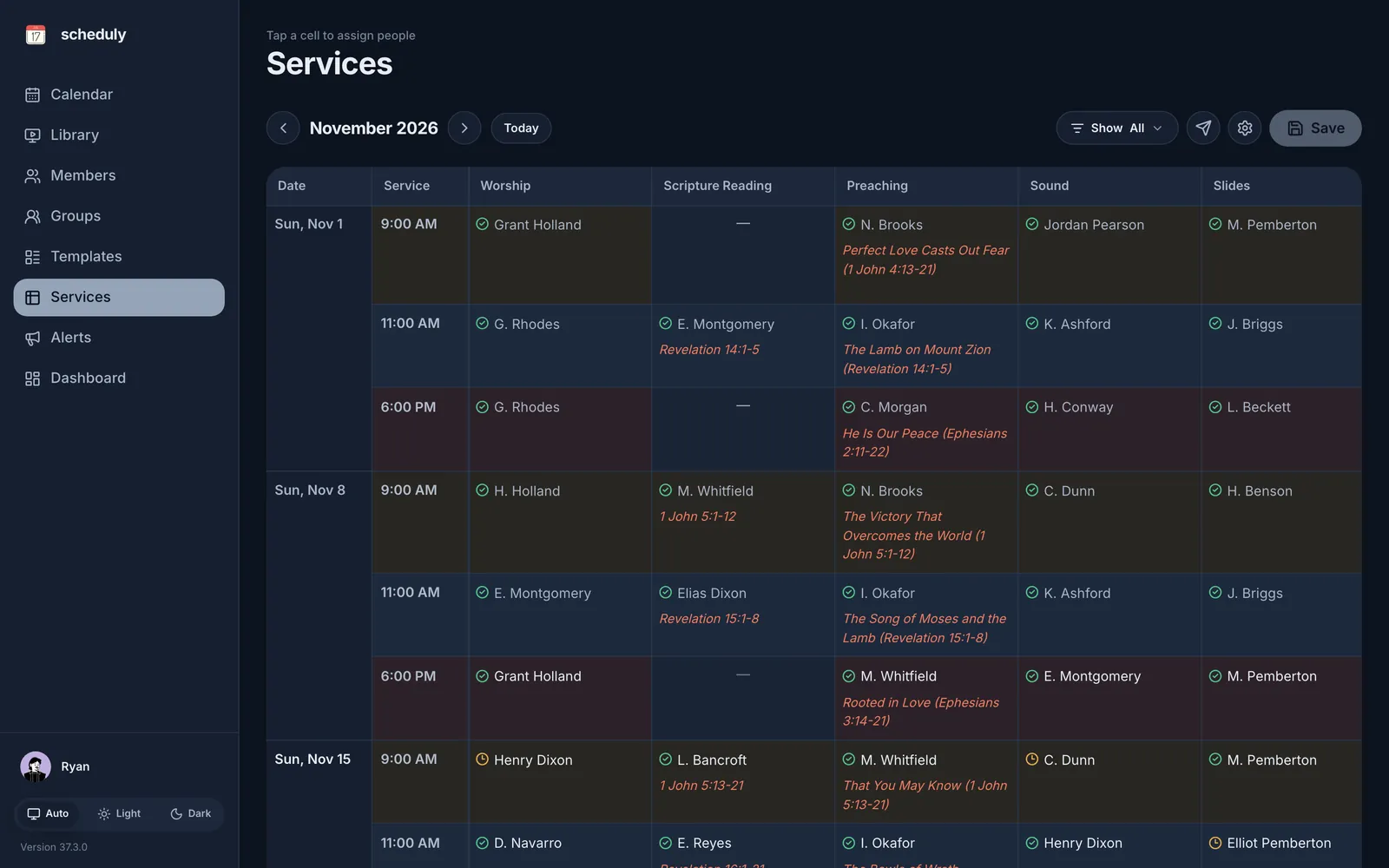
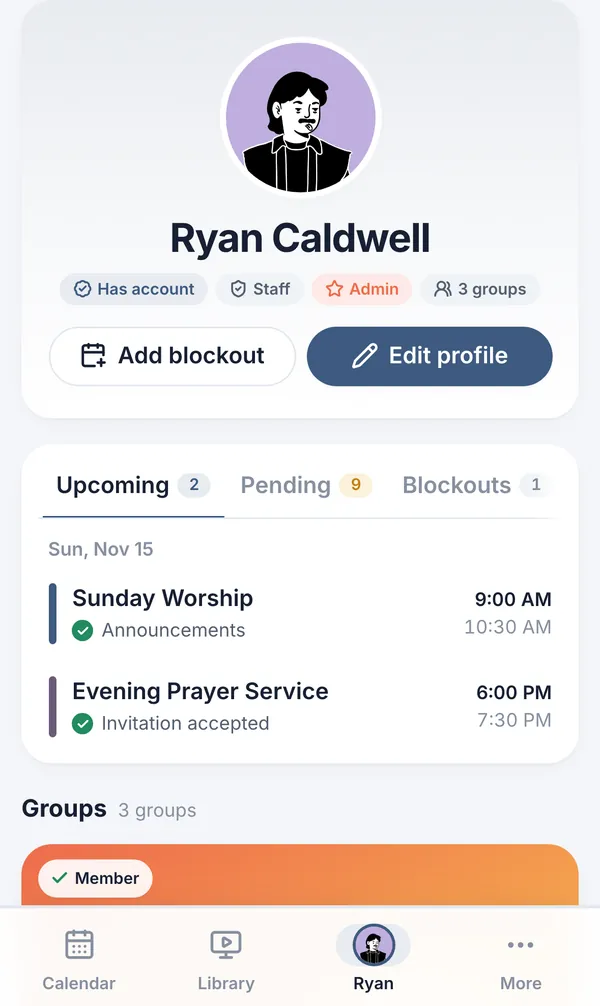
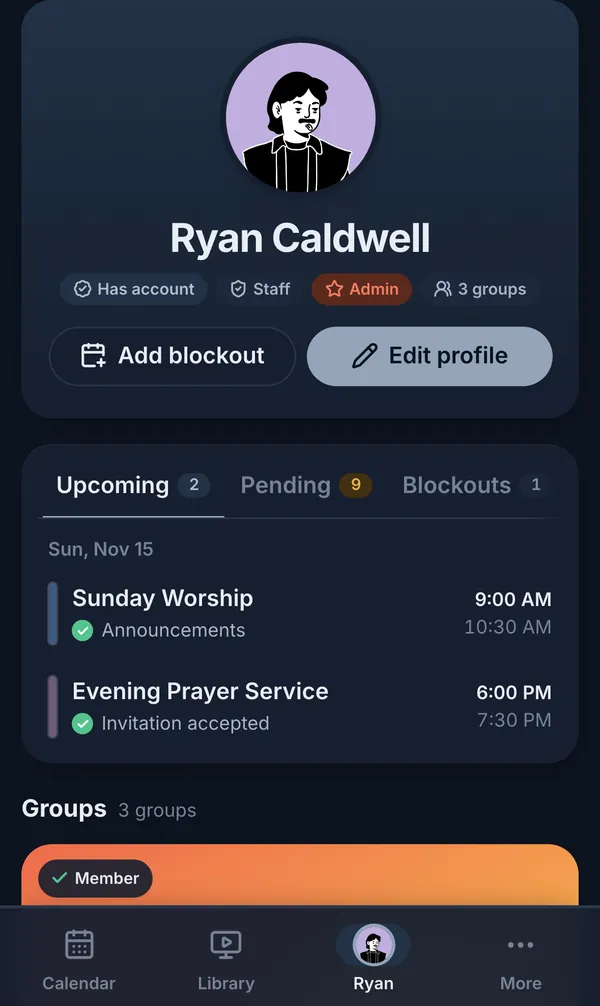
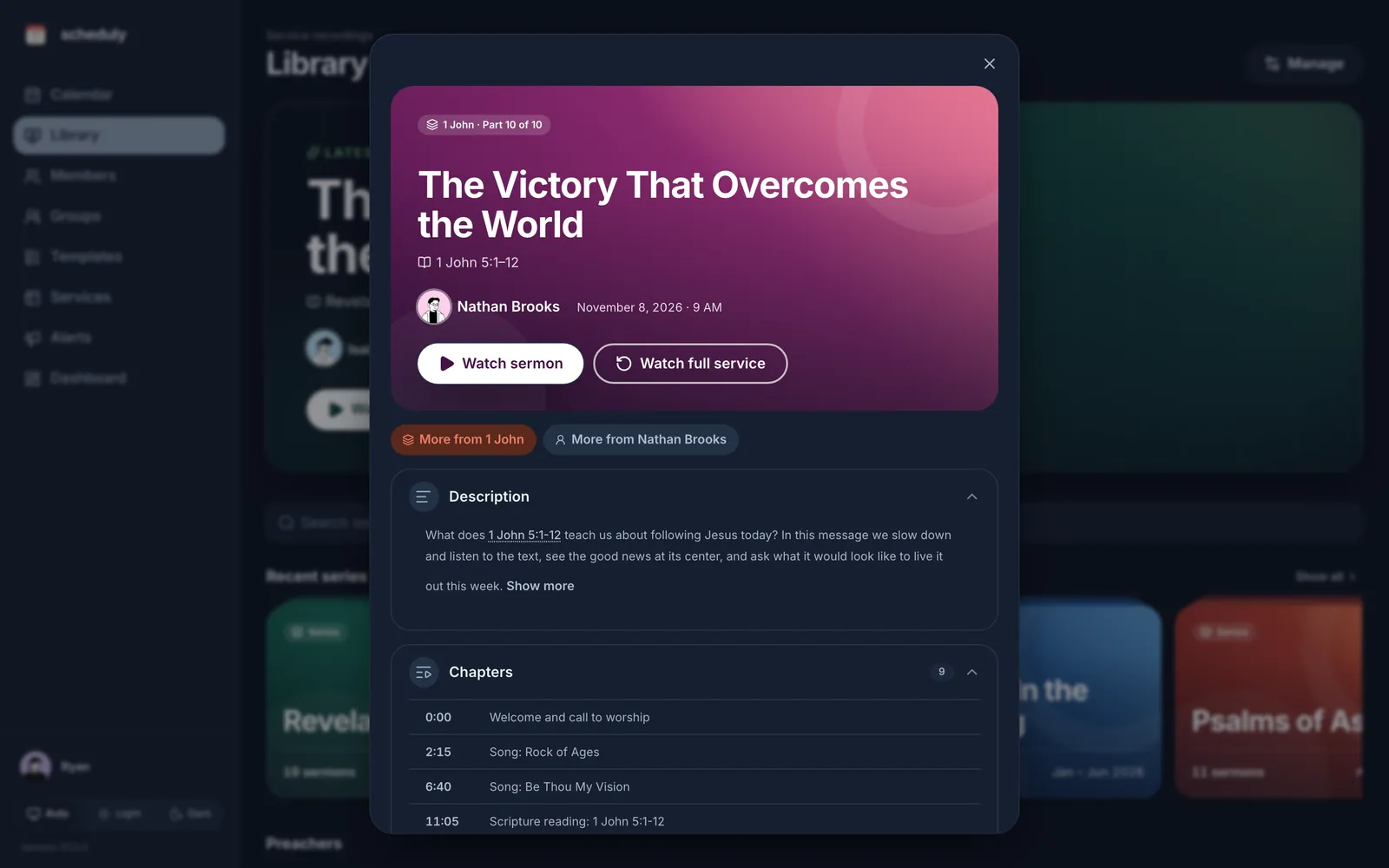
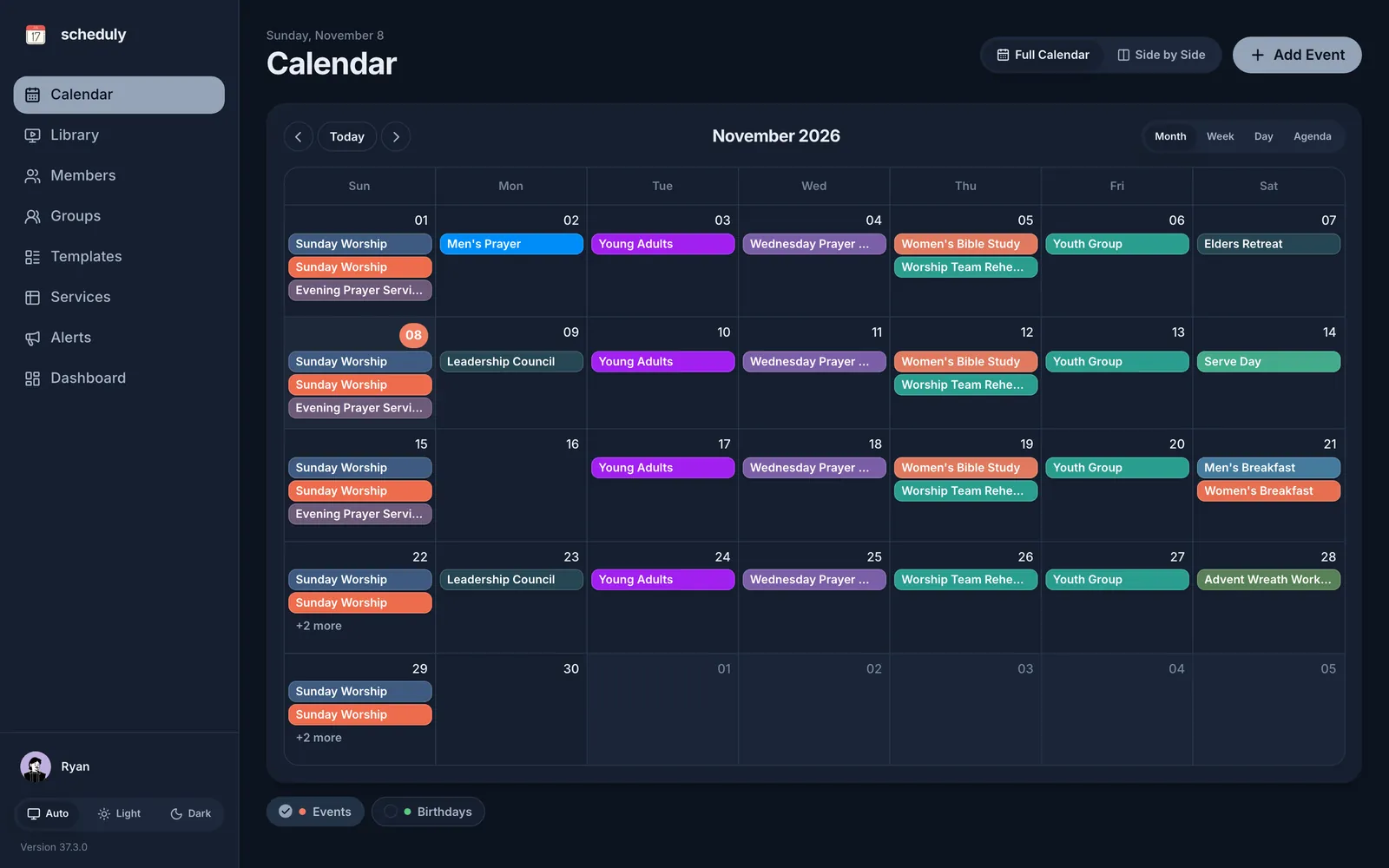
Light and dark mode
Easy on the eyes at 7 AM.
Pricing
One monthly price for the whole church
Every plan has unlimited members and events, and every feature. Plans differ only in texts, emails, templates and admins.
Compare plans and see what’s included·30-day money-back guarantee on every plan
Try it free for your next 12 Sundays
Free for 3 months, then $19.99 a month.
30-day money-back guarantee · Cancel anytime from My Account