Find and watch a sermon
Search, see a preacher's sermons, follow a series, and share a link.
Missed a Sunday, or want to hear last month's sermon again? Open the Library, find the sermon, and watch it right on the page. You don't need to sign in.
Watch the latest sermon
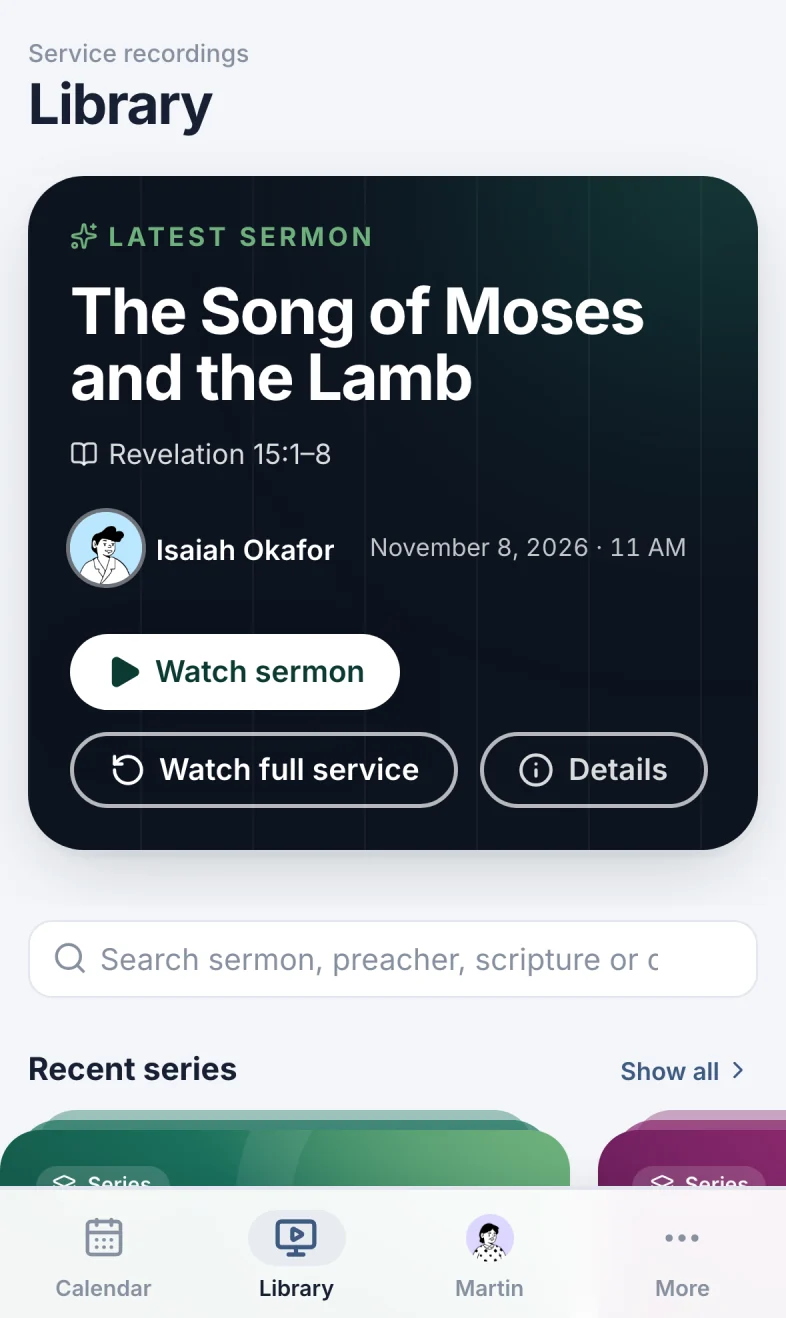
The banner at the top of the Library shows the latest sermon. Select Watch sermon to start where the sermon begins, or Watch full service to start from the beginning. The video plays right in the banner. Details opens the recording with its description and chapters.
While a service is streaming, the banner says Live now: select Watch live, or YouTube to watch it there. While the Library is open, it checks for a live stream every minute.
Open a recording
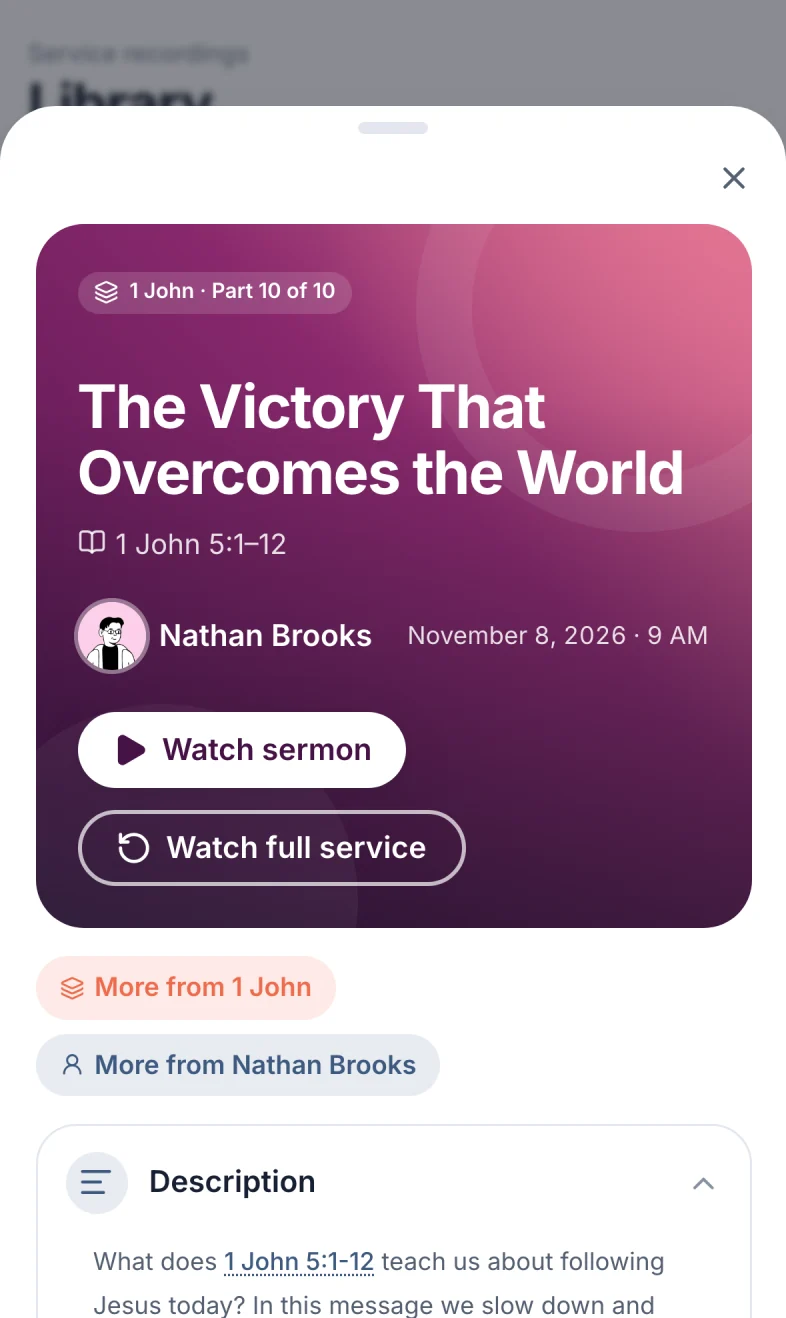
Select any card. The recording opens with everything about the sermon.
- Watch sermon (marker 1 on the screenshot) starts the video where the sermon begins. Watch full service (marker 2 on the screenshot) starts from the beginning. The video takes the card's place, and a button under it switches between the two. When Scheduly doesn't know where the sermon starts, there's only Watch service.
- More from 1 John (marker 3 on the screenshot) opens the sermon's series. More from Nathan Brooks (marker 4 on the screenshot) shows every sermon by that preacher.
- Description (marker 5 on the screenshot): what the sermon is about, from YouTube. Select Show more to read all of it.
- Chapters (marker 6 on the screenshot): the parts of the service. Select one to play from there. The sermon's chapter is marked Sermon.
- Open the service (marker 7 on the screenshot) opens the service's event page. YouTube (marker 8 on the screenshot) opens the video on YouTube, from where you started it.
Read the passage
Bible references in the description are underlined. Select one (marker 1 on the screenshot) to read the verses in a bubble. Signed in, More >> (marker 2 on the screenshot) opens the whole passage in Scheduly's Bible.
Search
Type in the search box (marker 1 on the screenshot). It looks at the sermon title, the preacher, the passage, the series and the date. Try a book and chapter (1 John 4), a name (Okafor) or a date (Nov 1 2026, 11/1/2026 or October 2026). The results show how many sermons match (marker 2 on the screenshot).
Clear the search box to see everything again.
See one preacher's sermons
Select a preacher in Preachers (marker 1 on the screenshot). The list shows only their sermons, and how many (marker 3 on the screenshot). Select the × next to their name (marker 2 on the screenshot) (or the preacher again) to see everyone's.
Follow a series
A series is a run of sermons, usually through one book of the Bible. Select a series under Recent series, or Show all to see every series and search them.
- All series (marker 1 on the screenshot) goes back to the list of series.
- Start with Part 1 (marker 2 on the screenshot) opens the first sermon. Latest: Part 10 (marker 3 on the screenshot) opens the newest.
- The search box (marker 4 on the screenshot) looks inside this series only.
- Oldest first (the order they were preached) or Newest first (marker 5 on the screenshot).
Share a link
The address in your browser always matches what you see: an open recording, a series, a preacher's sermons, a search. Copy it and send it. A series has a short address that never changes, even if the series is renamed, like /library?series=1-john.
On your phone
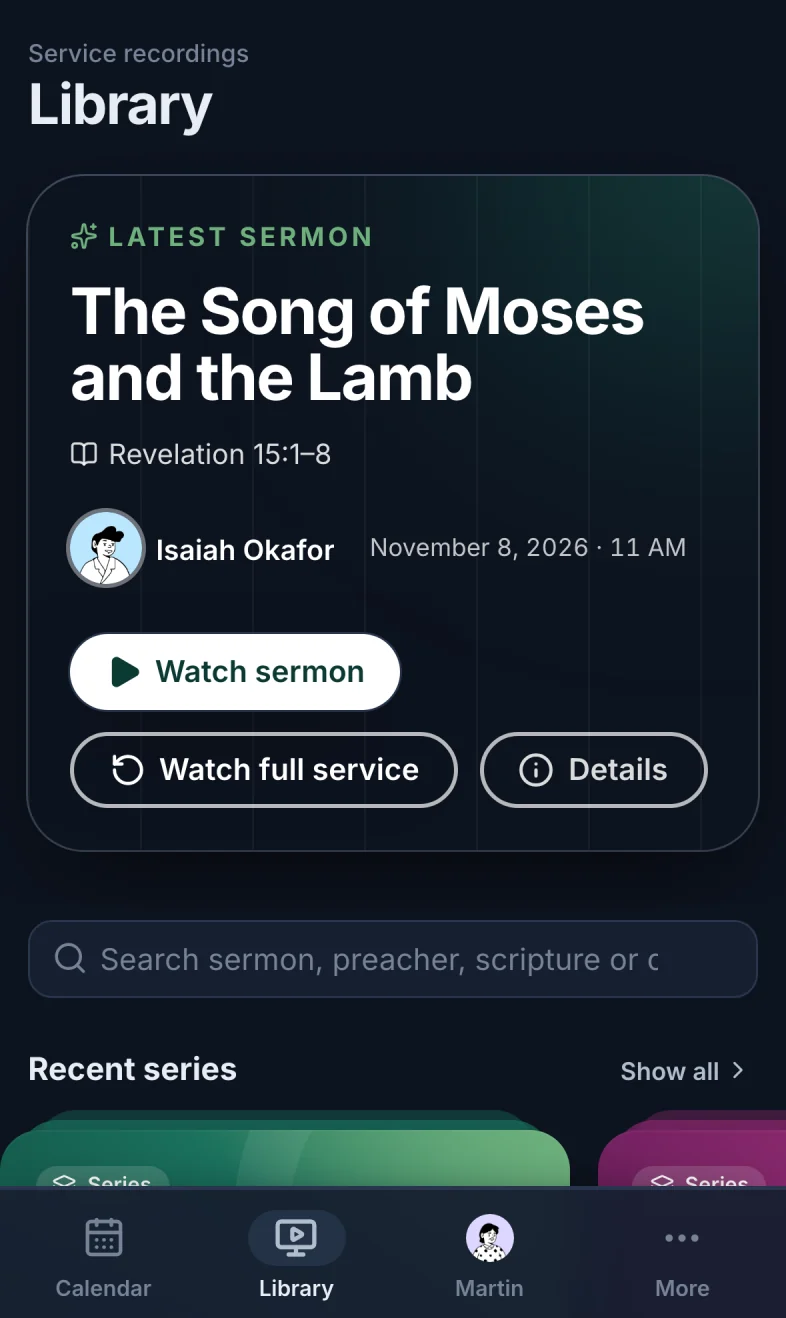
Library (marker 1 on the screenshot) is one of the tabs at the bottom of the screen. Everything works the same way: scroll the series and the preachers sideways.
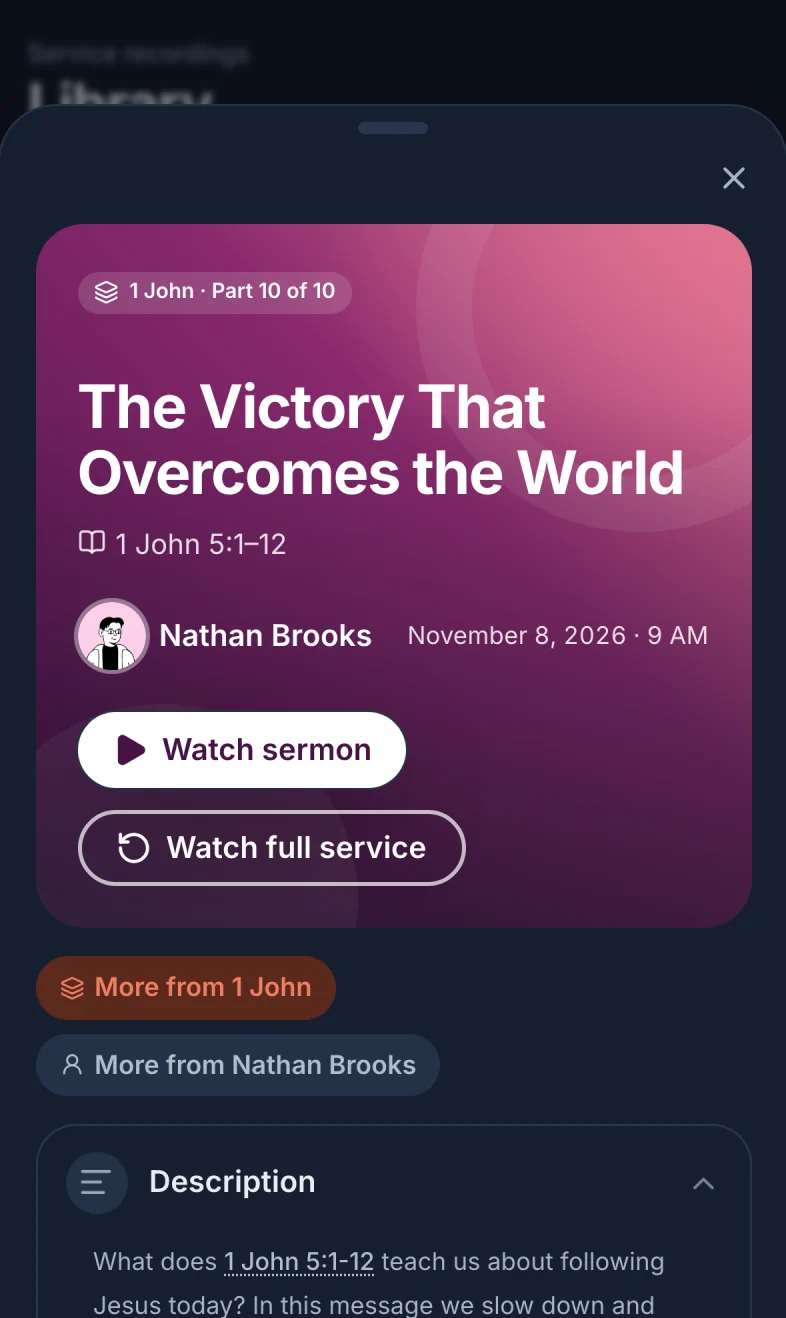
A recording opens over the whole screen. Drag it down by the handle at the top, or select the close button, to go back.
Can't find a sermon?
- It may not be linked yet. Scheduly links streams on Sundays only, shortly after 9 AM, 11 AM and 6 PM, and half an hour after each (Eastern time). A service can wait for the next check. See A service is missing.
- Sign in. Recordings of private services show only to the people on them.
- Search for less. One word or a book and chapter finds more than a whole title.
- The video won't play? Some networks (at work or school) block YouTube. Try YouTube on the recording, or another network.
Still have a question?
Email us and we'll help you out.