Get an alert and comment
Open an alert from its link, read the details, and comment.
Alerts from your church come as a text message. It starts with your church's name. Some have a link at the end: it opens the alert in Scheduly, with more details and comments.
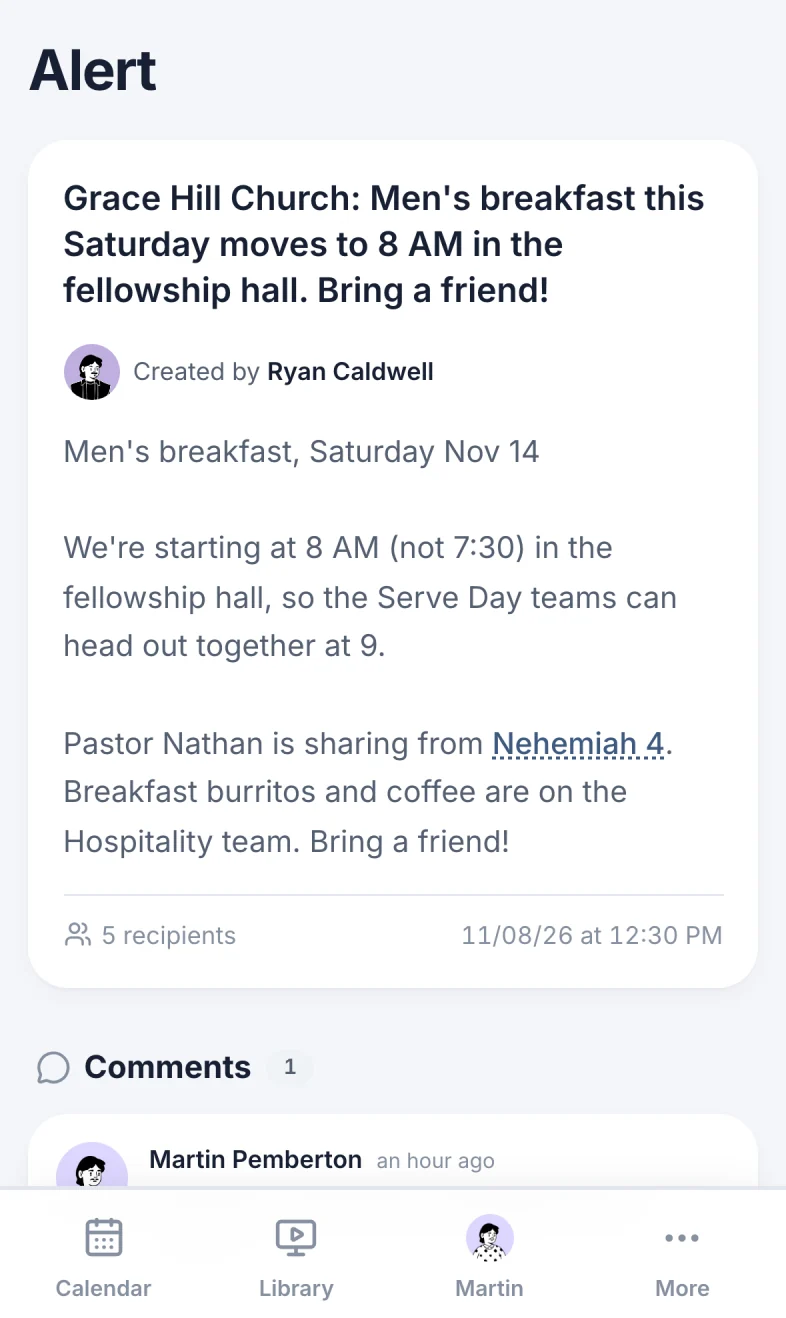
Open an alert
- Select the link at the end of the text.
- Sign in if Scheduly asks you to. The alert opens after you sign in (Sign in).
- Read the text (marker 1 on the screenshot) and the longer message under it (marker 2 on the screenshot), if there is one.
A text without a link has nothing more to open: the text is the whole alert.
Comment on an alert
Comments are under the alert. Use them to answer, ask a question or say you're coming. Everyone who can open the alert sees them.
- Type in Add comment (marker 3 on the screenshot), up to 140 characters. A counter shows once you start.
- Select Comment (marker 4 on the screenshot).
Your comment shows with your name (marker 1 on the screenshot). To take it back, select Delete (marker 2 on the screenshot) under it, then Delete again. You can delete your own comments. Admins can delete any comment.
If the alert says Comments are off. instead of the comment box, the person who sent it turned comments off. Staff can still comment.
Replying to the text
Scheduly doesn't read replies to its texts. To answer, open the link and comment, or contact the person who sent the alert.
On your phone
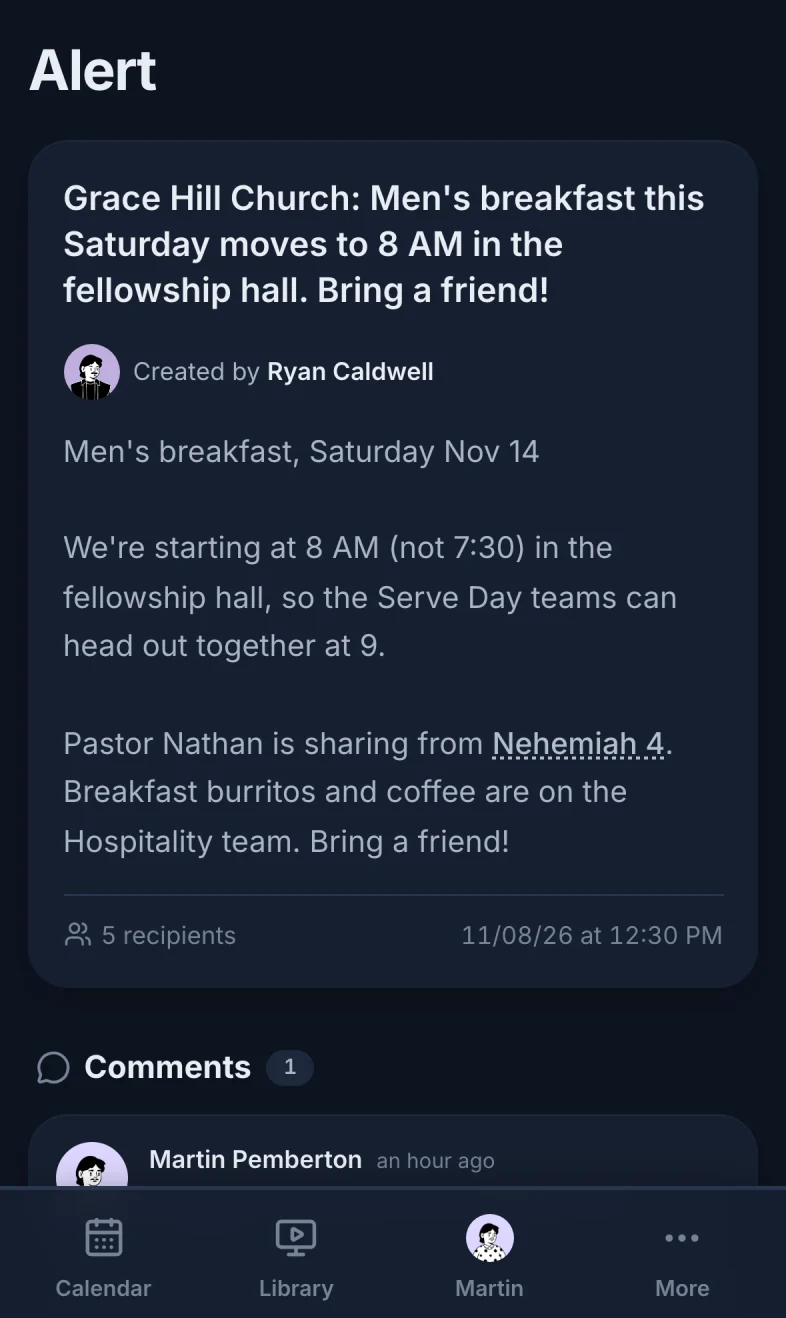
The link opens the alert in your phone's browser. Scroll down for the comments.
Can't open an alert?
- Sign in with the account linked to your profile. The alert page isn't open to visitors.
- Failed to get post 401: the alert wasn't sent to you (or to a group you're in). Ask the person who sent it.
- Failed to get post 404: the alert was deleted.
Stop getting texts
Alerts go to the phone number on your profile. To stop the alerts for one group, leave the group yourself (Find and join a group) or ask a staff member to take you out of it. Taking your phone number off your profile stops every text from Scheduly, including event reminders, so you could miss when you're scheduled.
To opt out of all texts from your church, reply STOP to any of them. To get them back, text START to the same number (Why didn't someone get an alert?).
Still have a question?
Email us and we'll help you out.