Find your way around
The menu on a computer, tablet and phone, the pages, and light or dark mode.
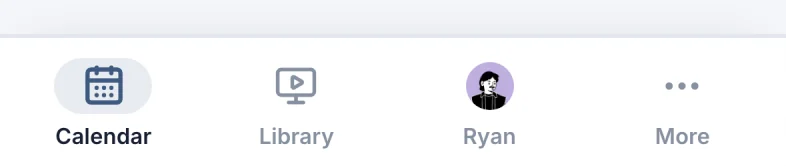
The menu lists every page you can open. What's in it depends on your role (see Volunteers, staff and admins), and where it sits depends on your screen: a sidebar on a computer, a row of icons on a tablet, tabs at the bottom of a phone.
On a computer
The sidebar on the left lists your pages (marker 1 on the screenshot). At the bottom are your name and picture (marker 2 on the screenshot), which open your profile, and Appearance (marker 3 on the screenshot).
On a tablet
On a tablet, or a narrower browser window, the sidebar shows icons only (marker 1 on the screenshot), in the same order. Your picture (marker 2 on the screenshot) opens your profile. The button under it (marker 3 on the screenshot) switches the appearance: auto, light, dark, and back.
On a phone
The tabs at the bottom are Calendar (marker 1 on the screenshot), Library (marker 2 on the screenshot), your name (marker 3 on the screenshot) (your profile; Login when you're signed out), and More (marker 4 on the screenshot). Churches without a Library get Services as the second tab (or the next page you can open).

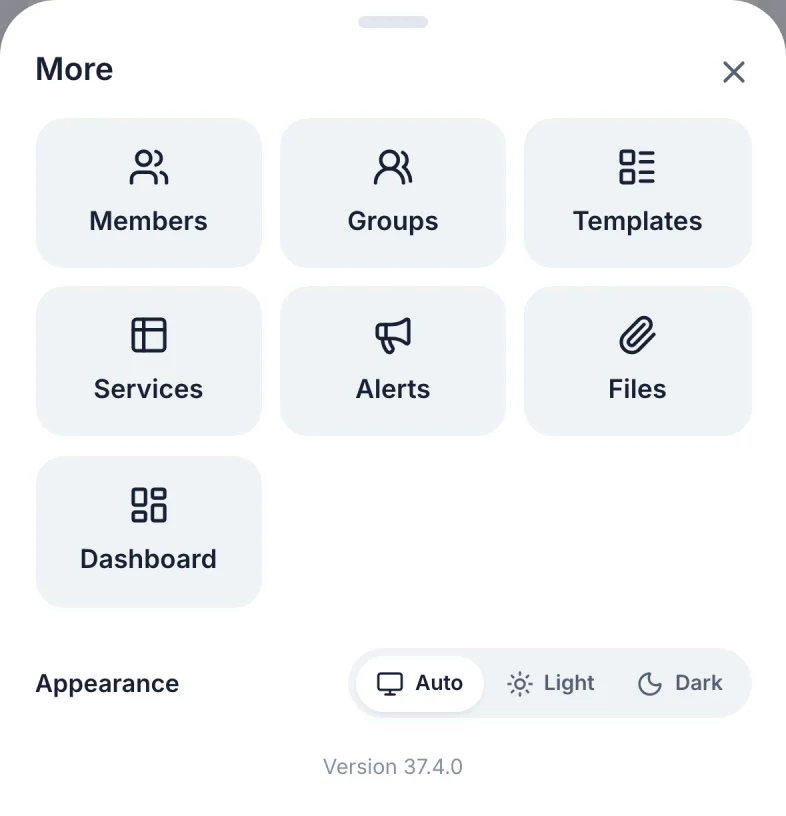
More opens every other page (marker 1 on the screenshot), and Appearance (marker 2 on the screenshot).
Light or dark
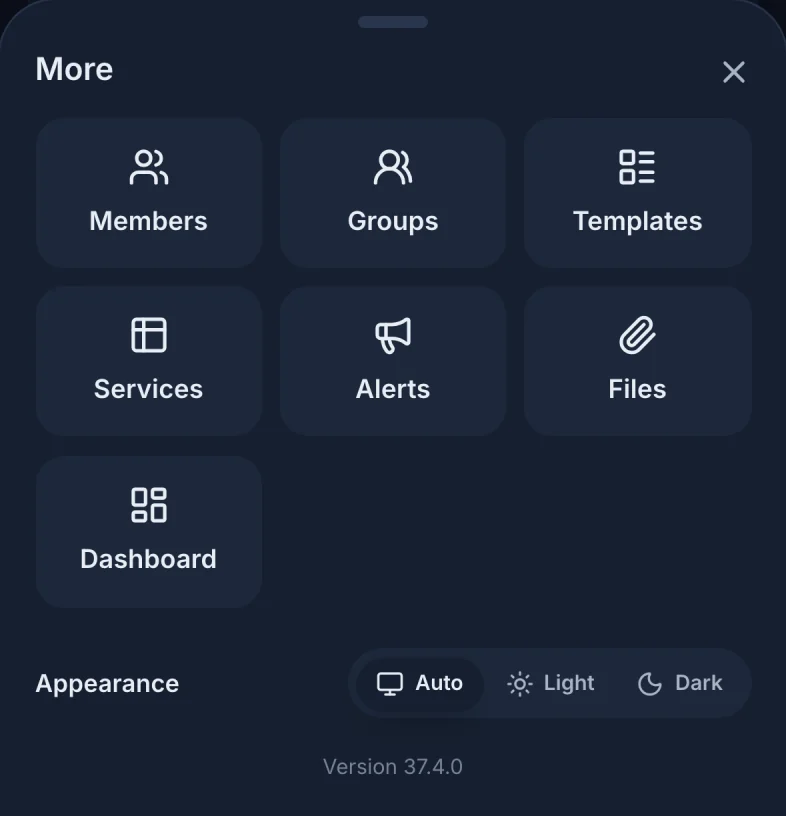
Appearance has three choices: Auto follows your device's light or dark setting, Light and Dark stay that way. The choice is saved on this device and browser.
The pages
| Page | What it's for |
|---|---|
| Calendar | Every event by month, week or day. Open one to see its schedule, answer, or add files. Everyone. About the Calendar |
| Library | Sermon recordings, for churches that stream on YouTube. Everyone. About the Library |
| Members | Everyone in your church: add people, edit profiles, see contact details. Staff. About Members |
| Groups | Ministries and small groups, and who is in them. Everyone. About groups |
| Templates | The patterns events are made from. Staff. About event templates |
| Services | A month of services and who serves in each role. Signed in, once an admin has set it up. About the Services page |
| Alerts | Text messages to groups and people. Staff. About Alerts |
| Files | Every file on every event. Staff. Files page |
| Dashboard | How your church uses Scheduly, storage and billing. Admins. About the Dashboard |
| Your name (Profile) | Your schedule, blockouts, groups and contact details, and Sign Out. Signed in. About your profile |
Still have a question?
Email us and we'll help you out.